Put the product in a room it belongs in.
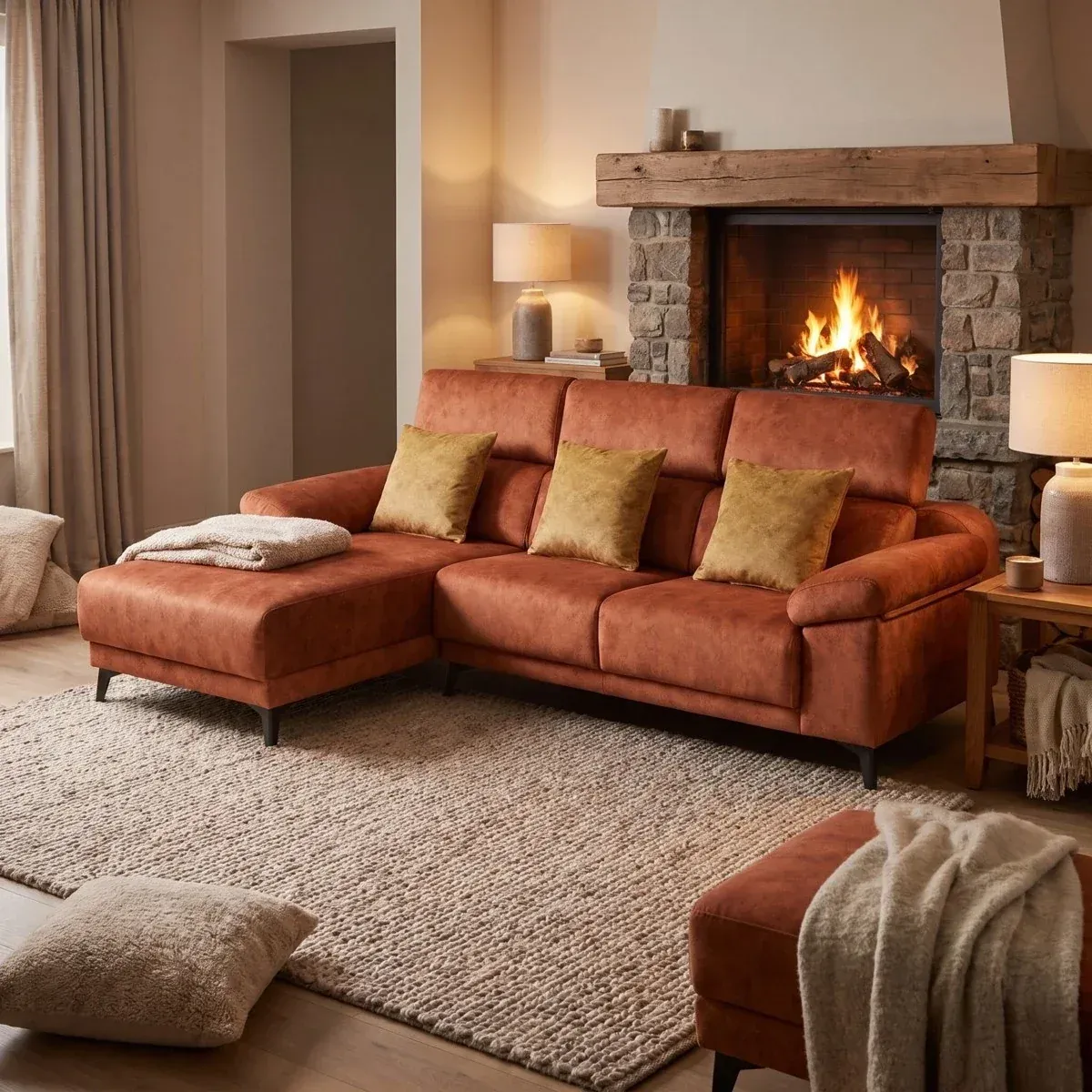
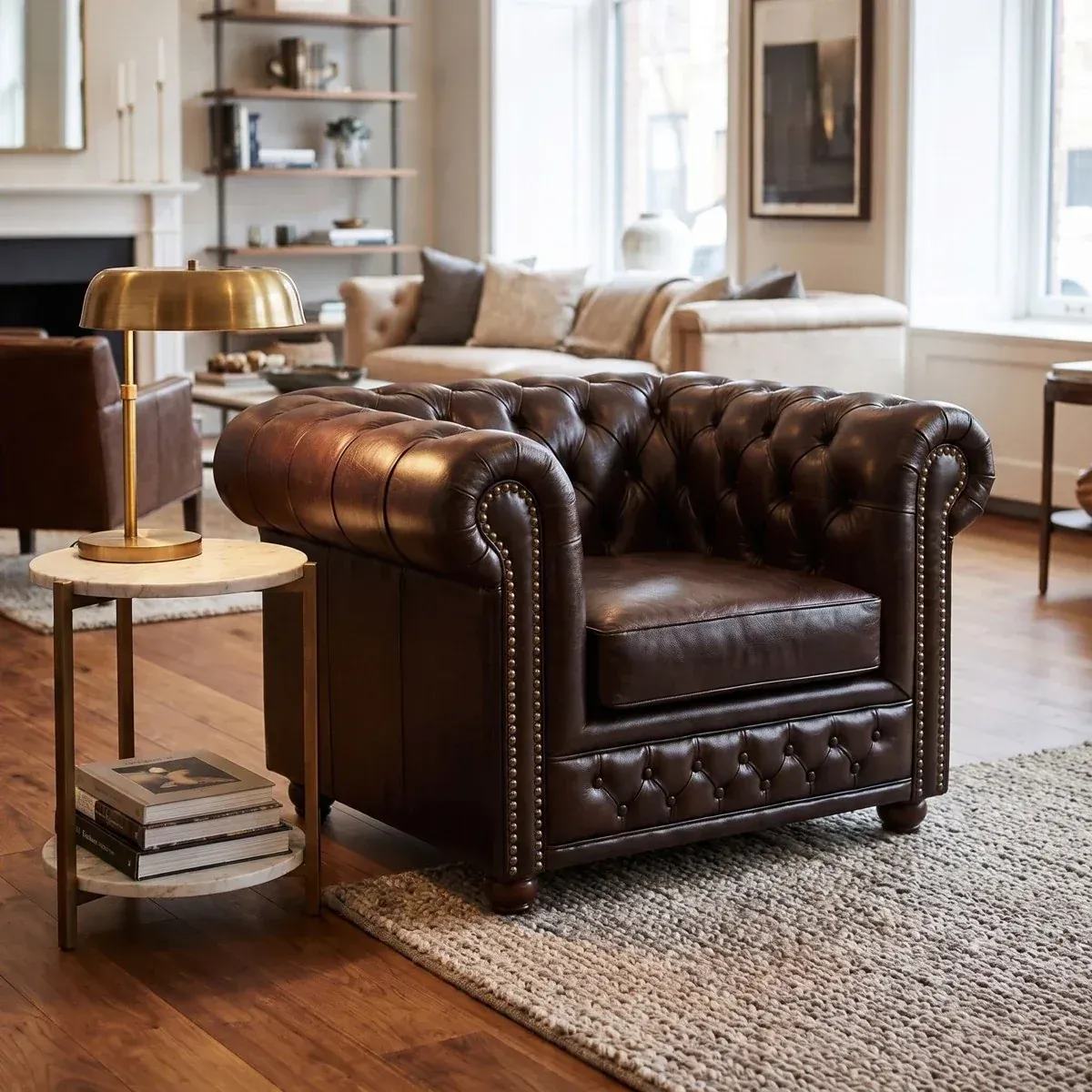
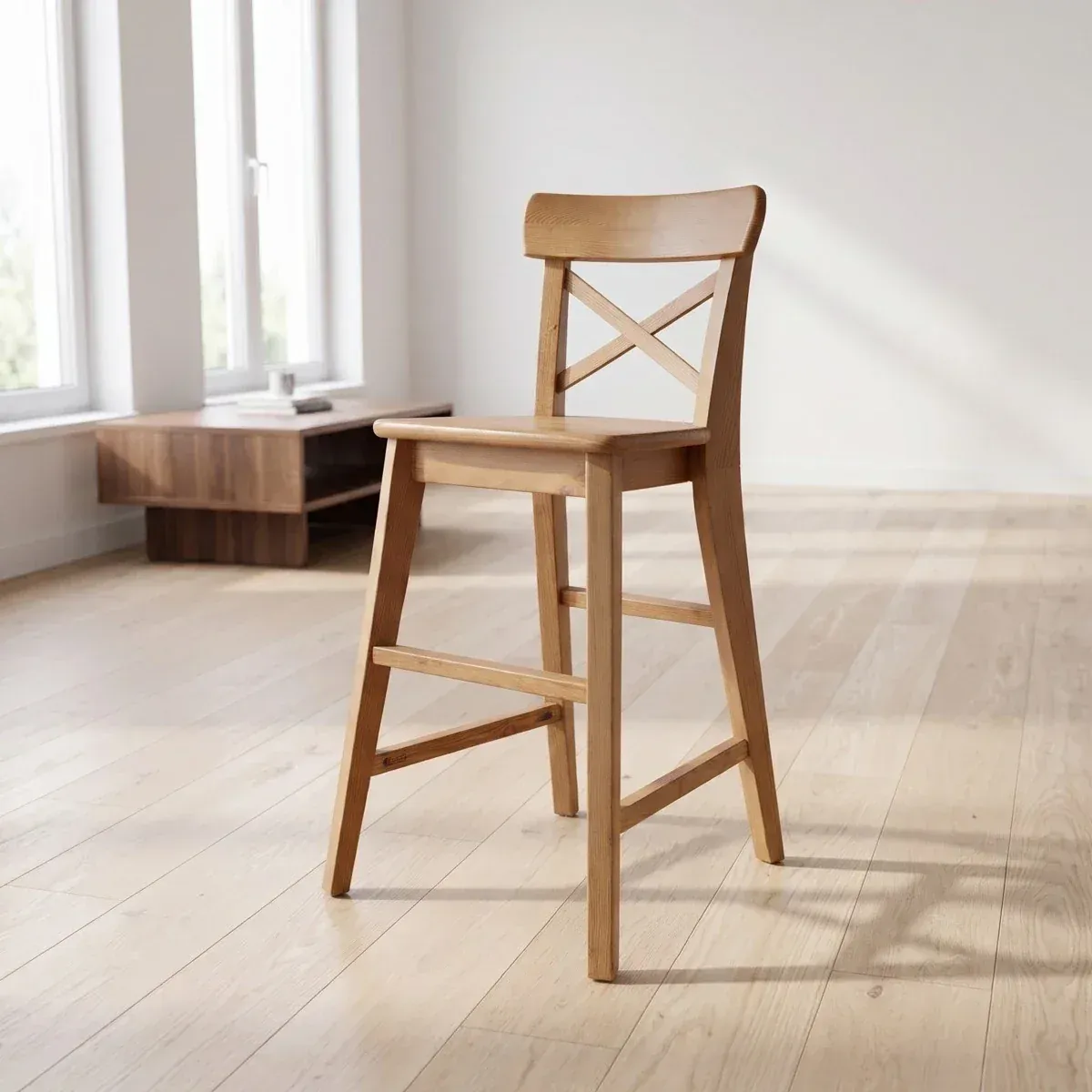
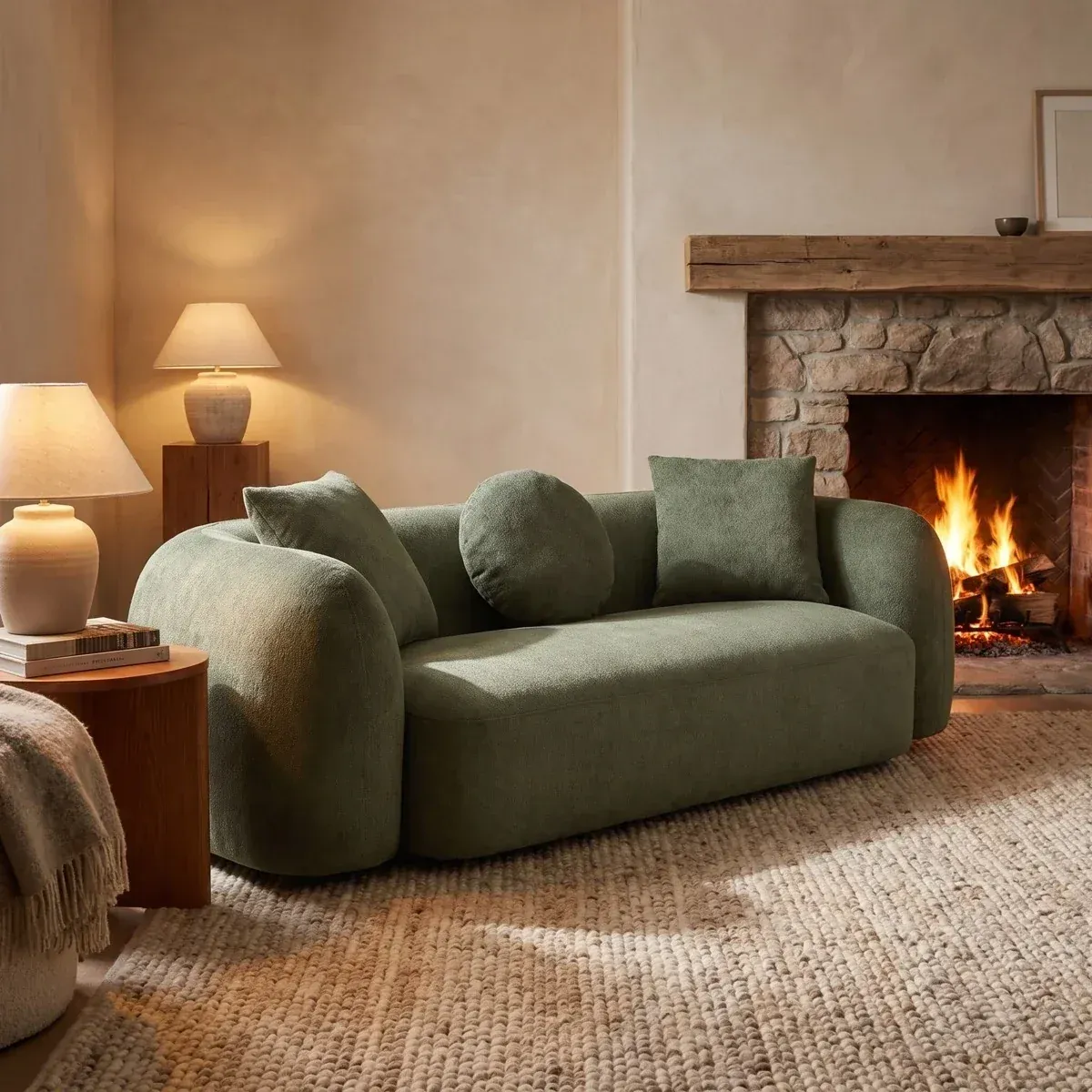
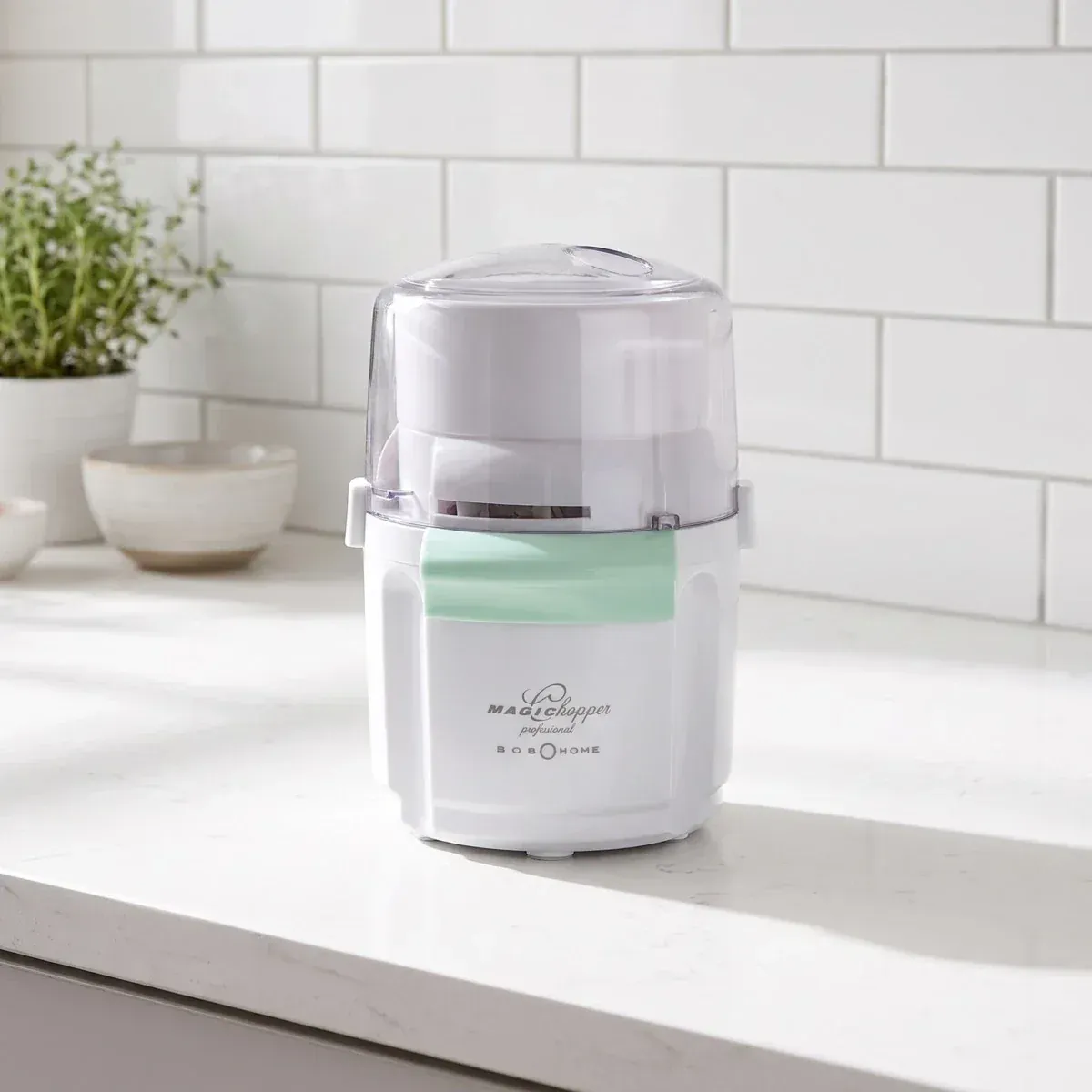
Product staging places the product in a studio-grade scene, so a sofa photographed in a hallway shows up in a living room.
What it does
- Does
- Places the product in a scene that suits it.
- Works on
- Every category.
- Needs
- The whole product in the photo.
From real runs
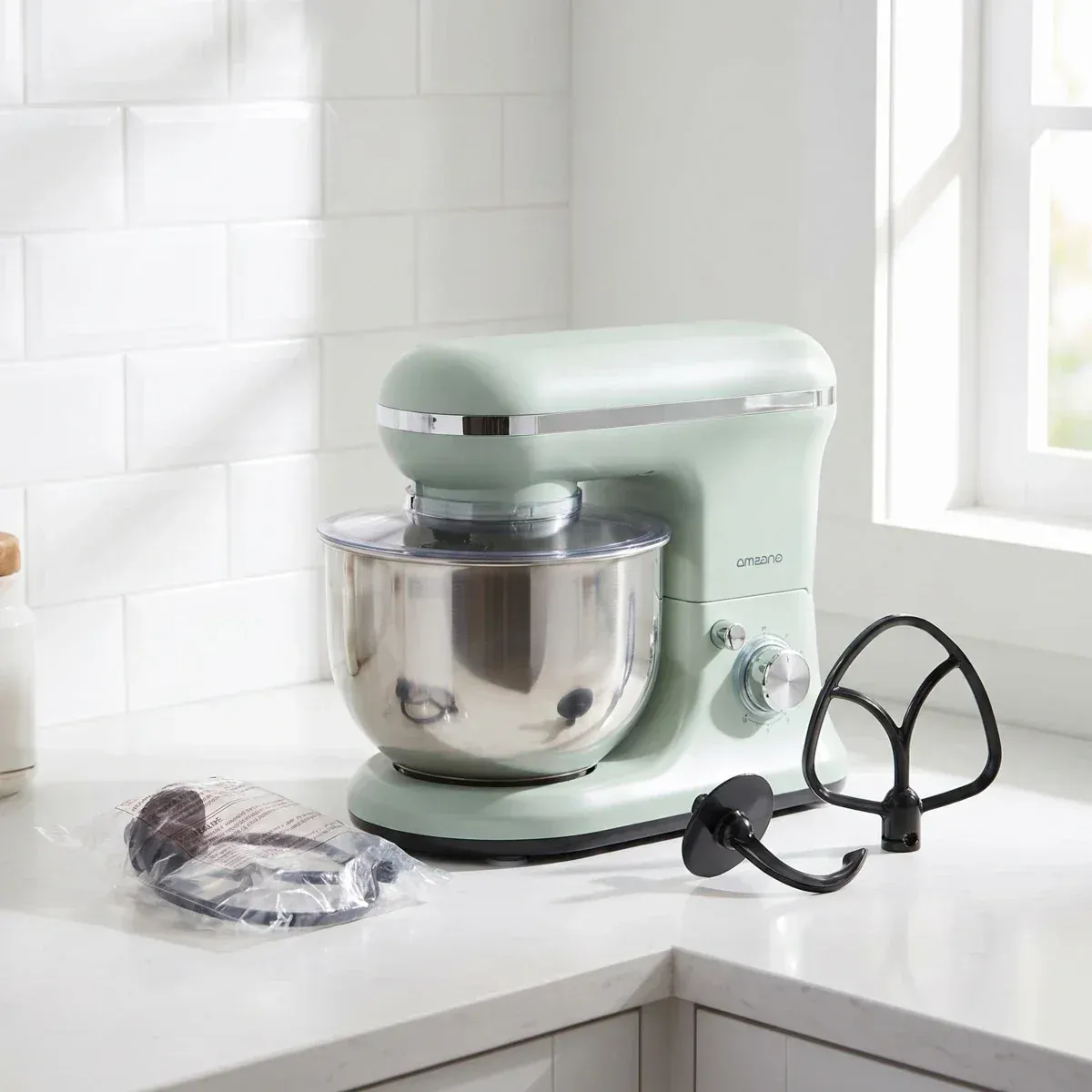
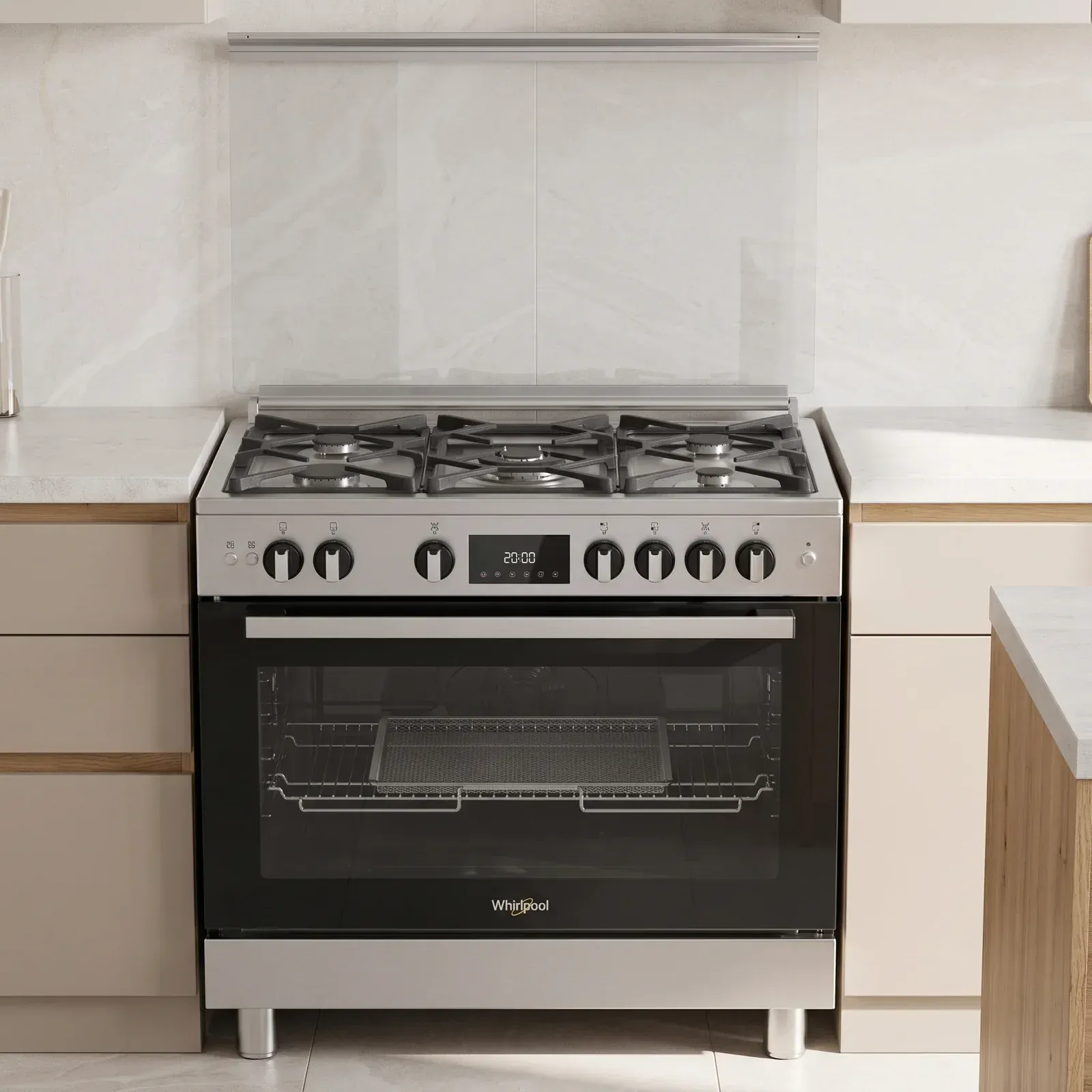
Furniture, screens and cookers, staged where a shopper would use them.
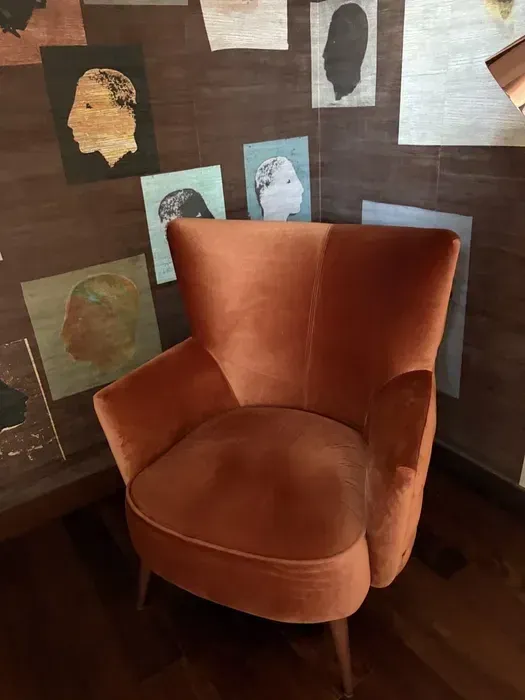
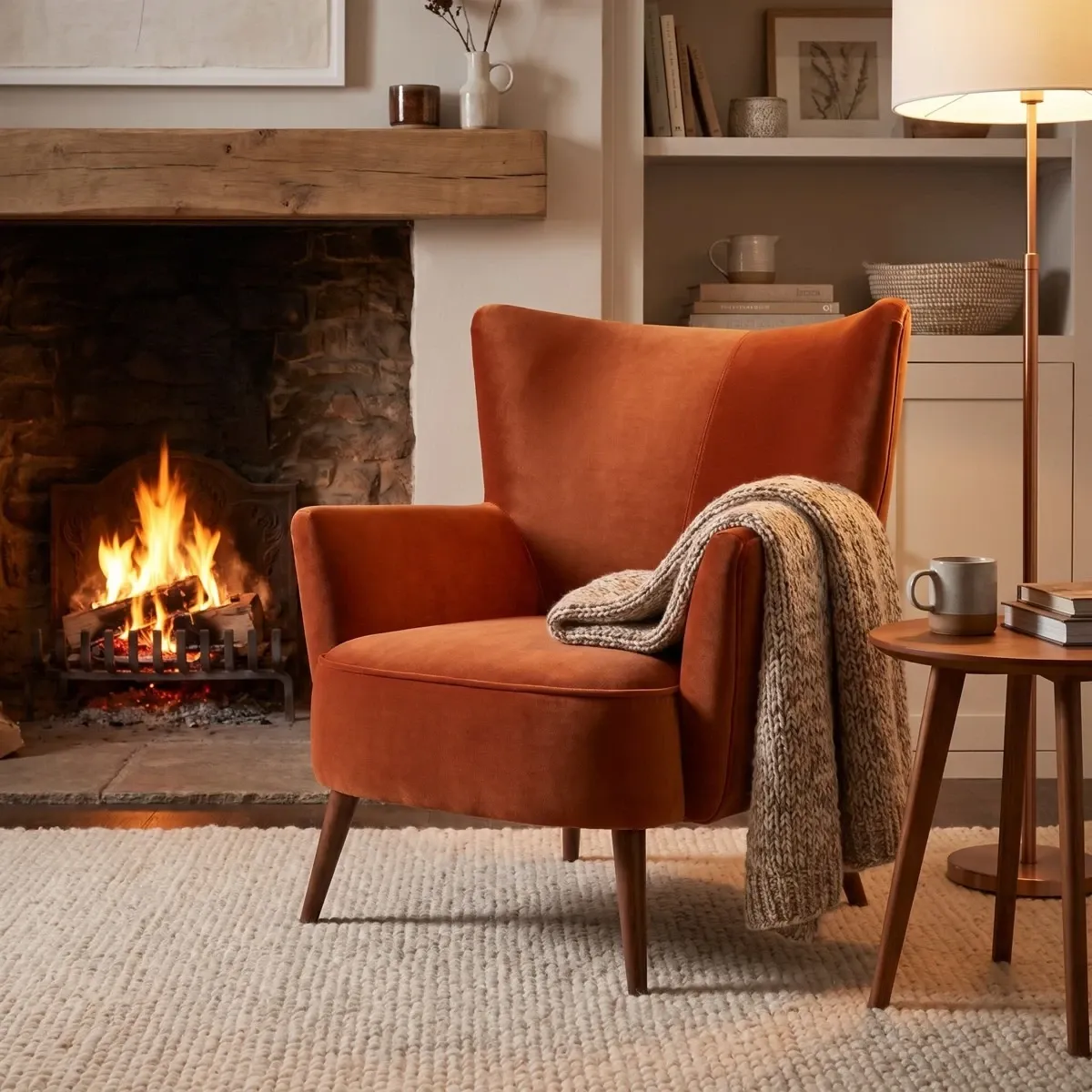
Burnt-orange velvet armchair
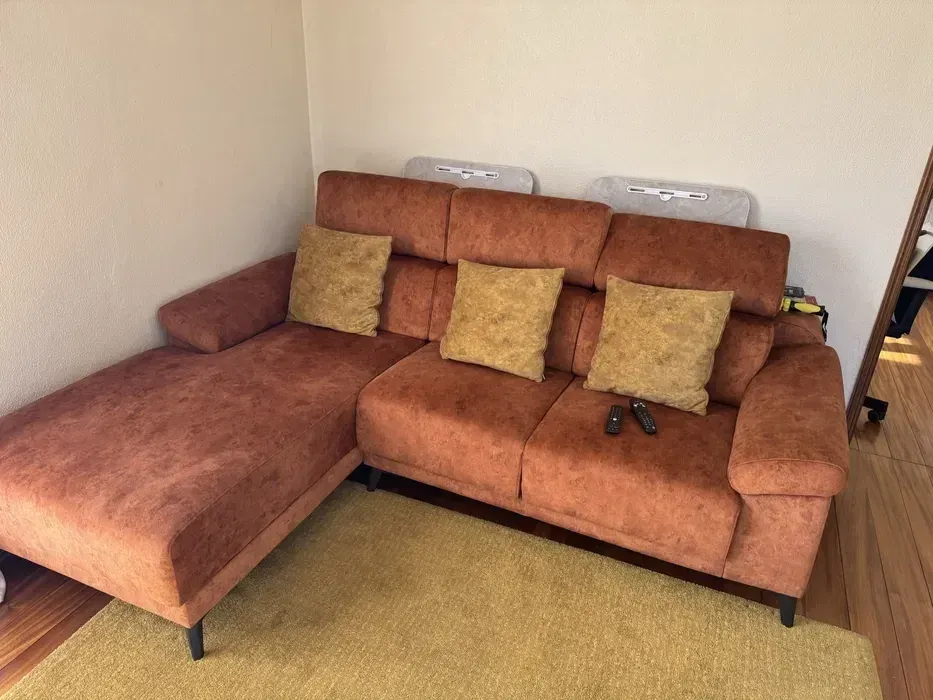
Rust corner sofa

Orange full-suspension bike
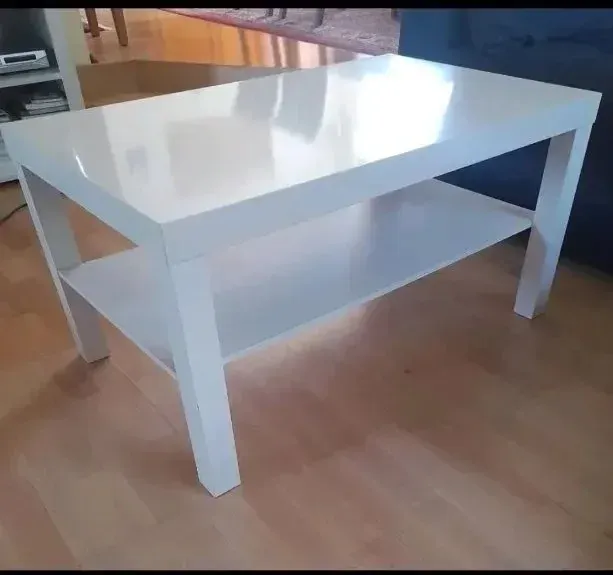
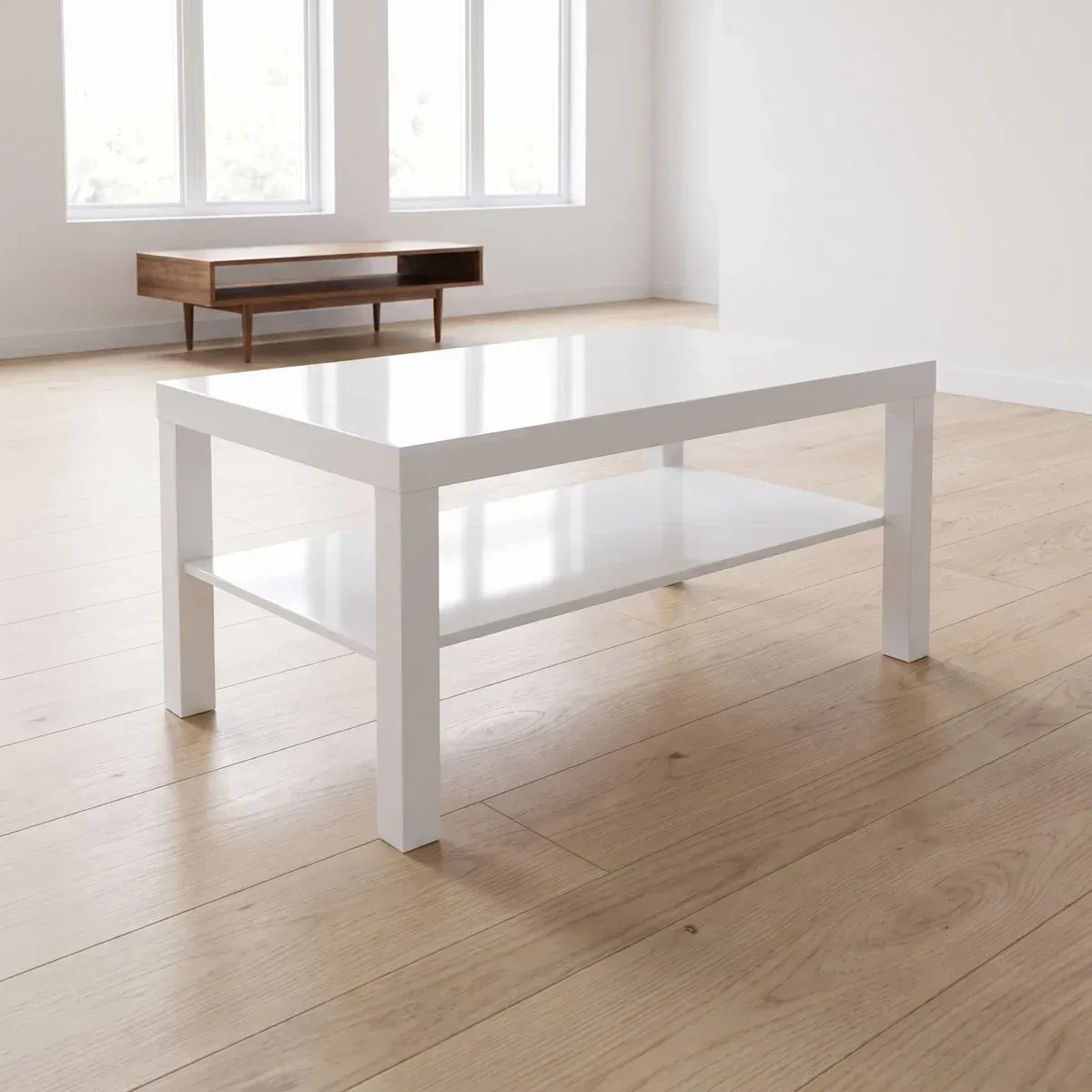
White coffee table
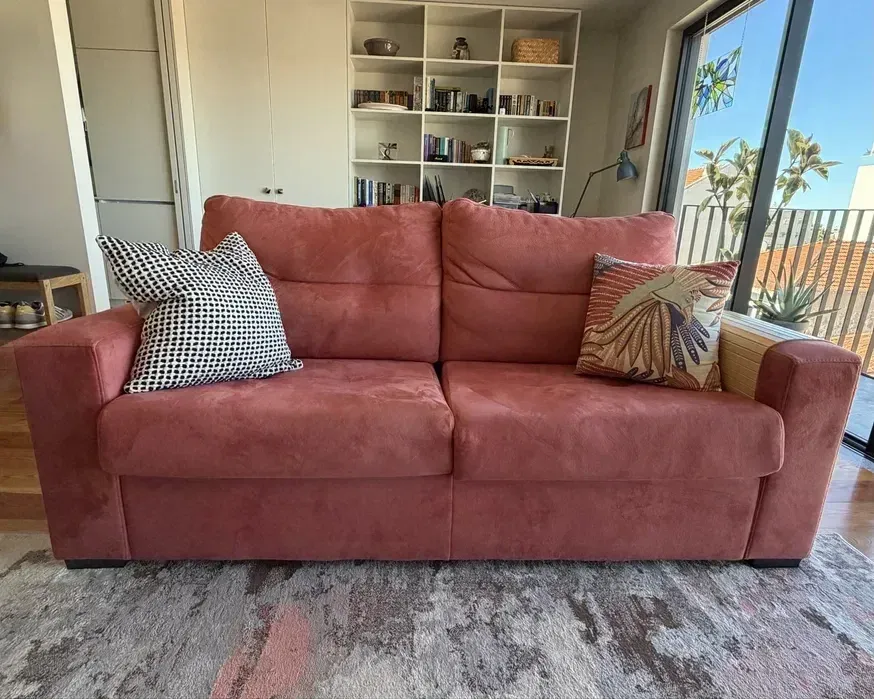
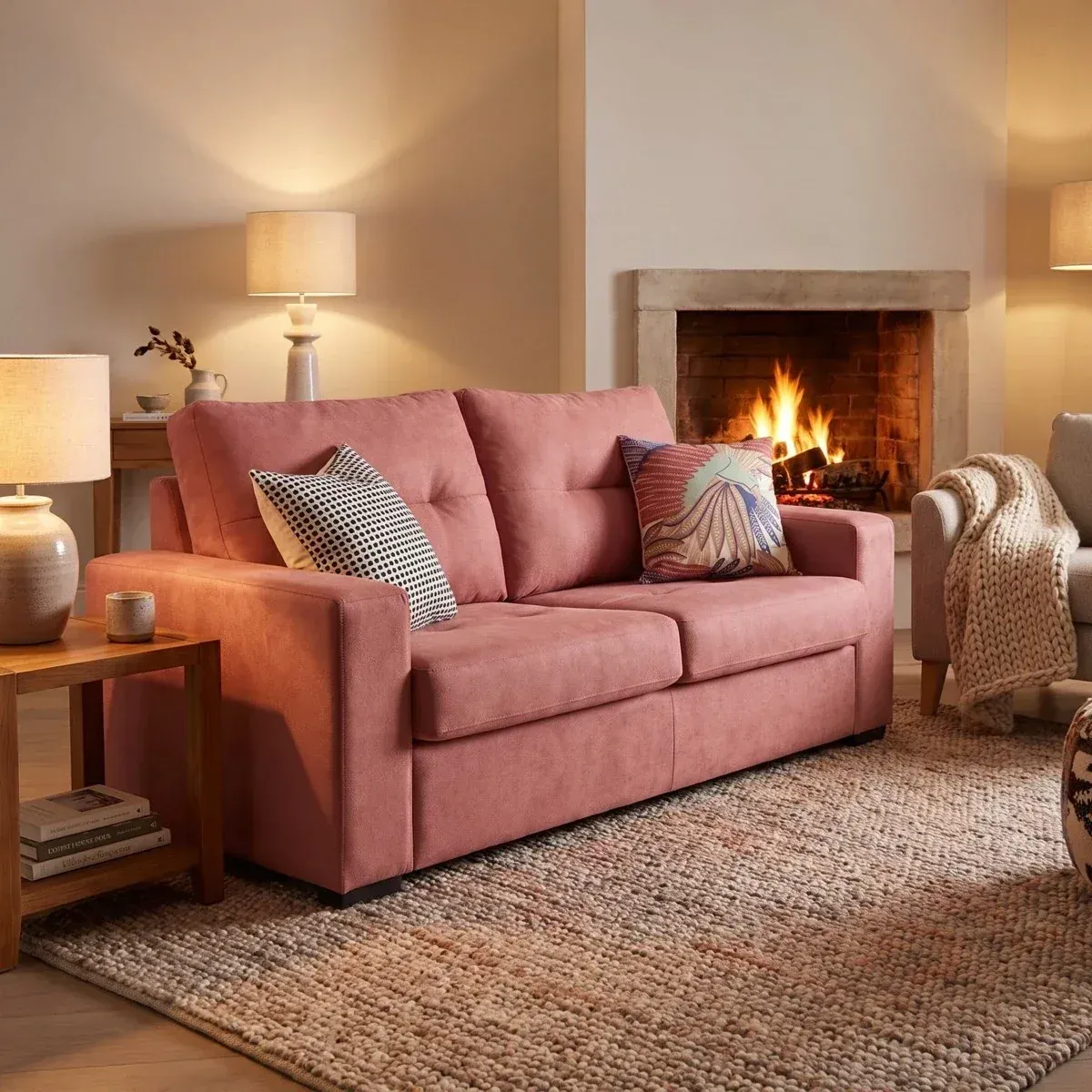
Rose three-seater sofa
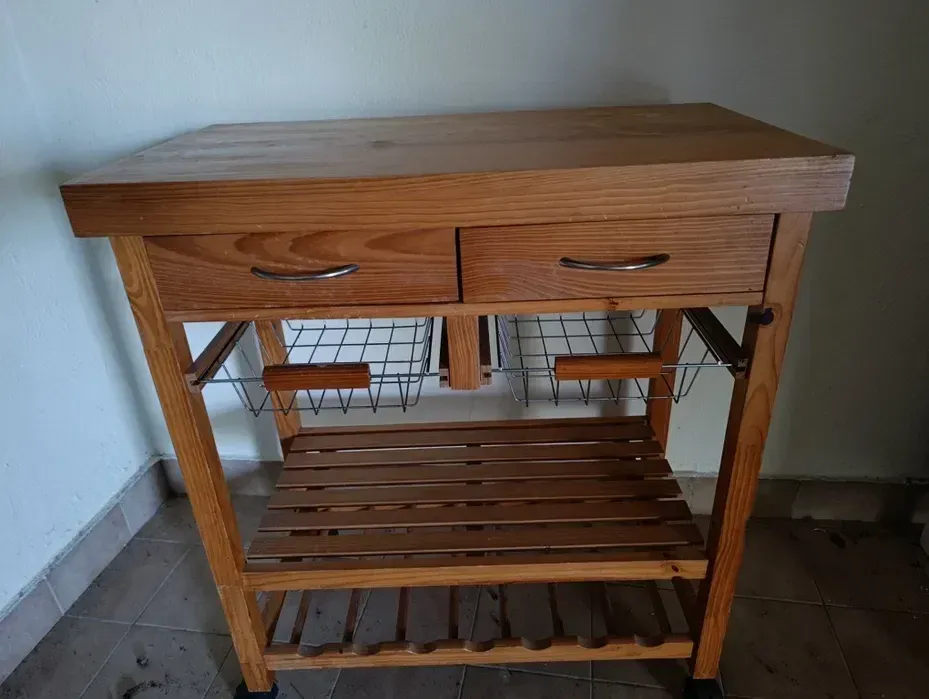
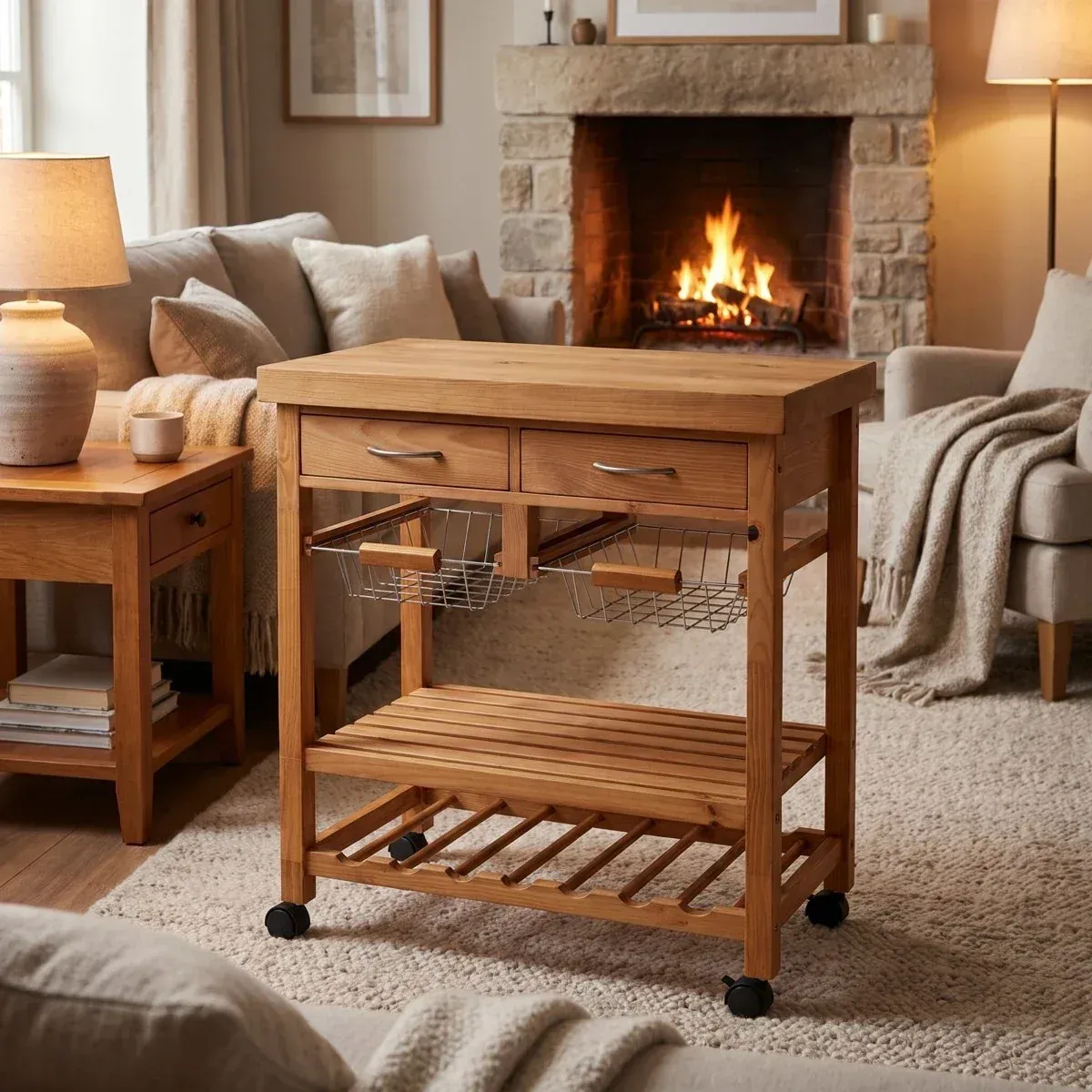
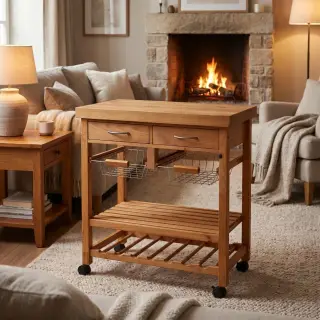
Wooden kitchen cart
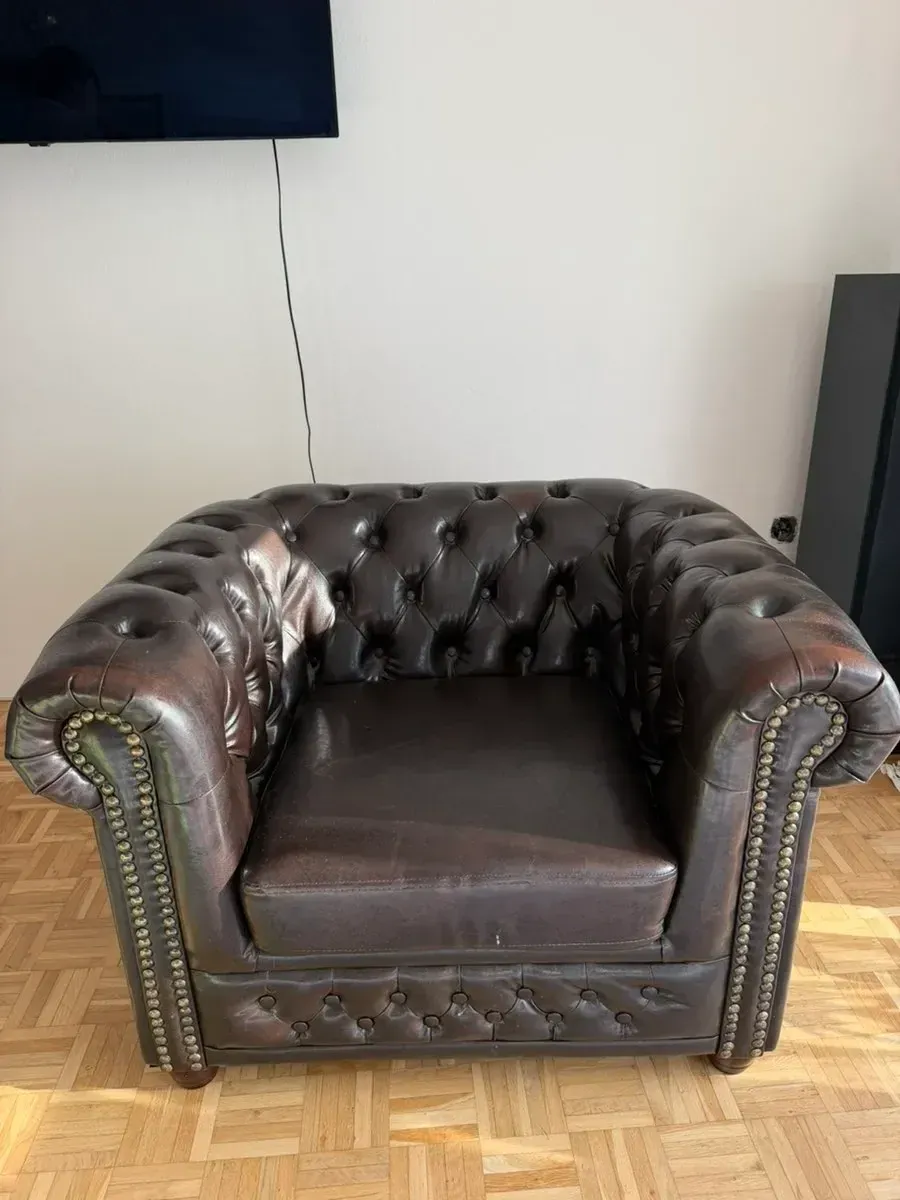
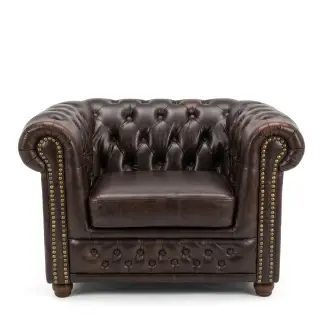
Leather Chesterfield armchair
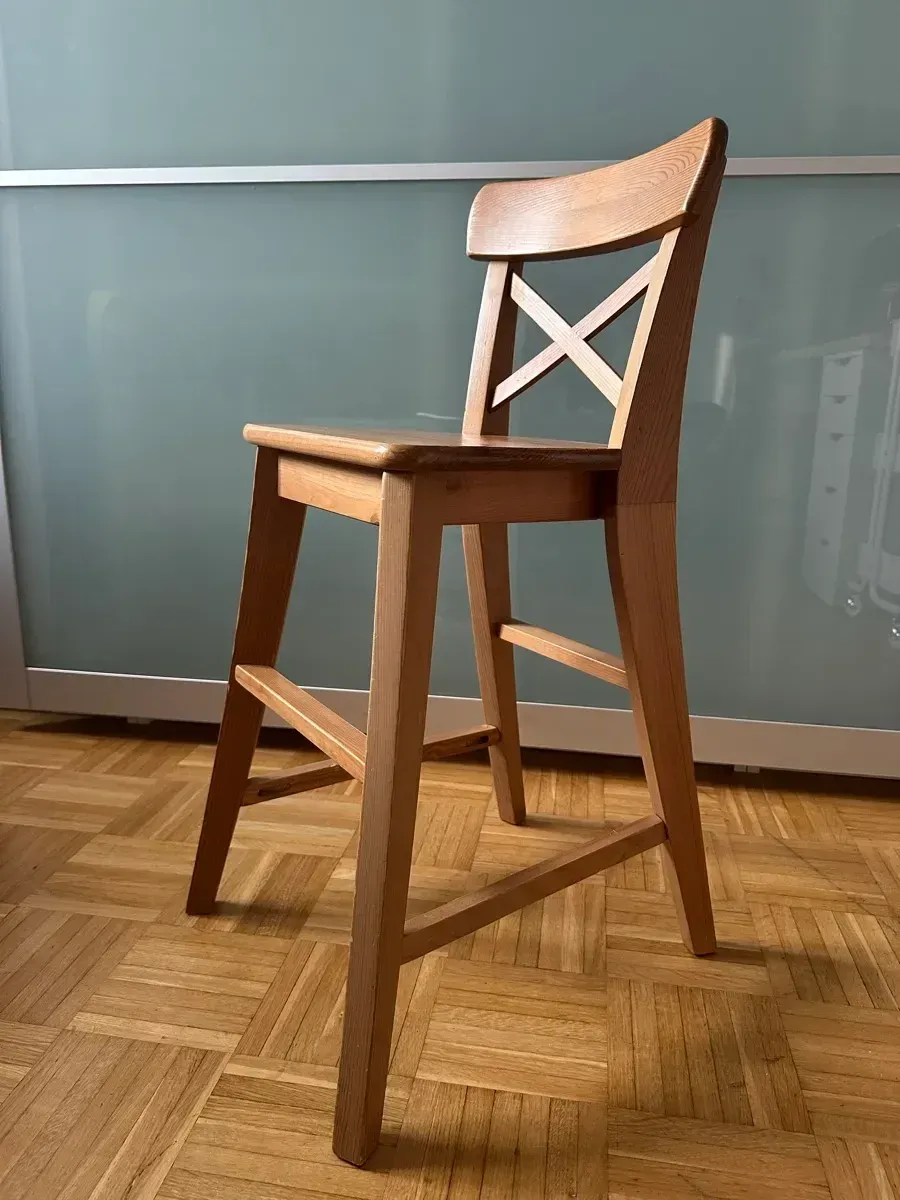
Wooden bar stool
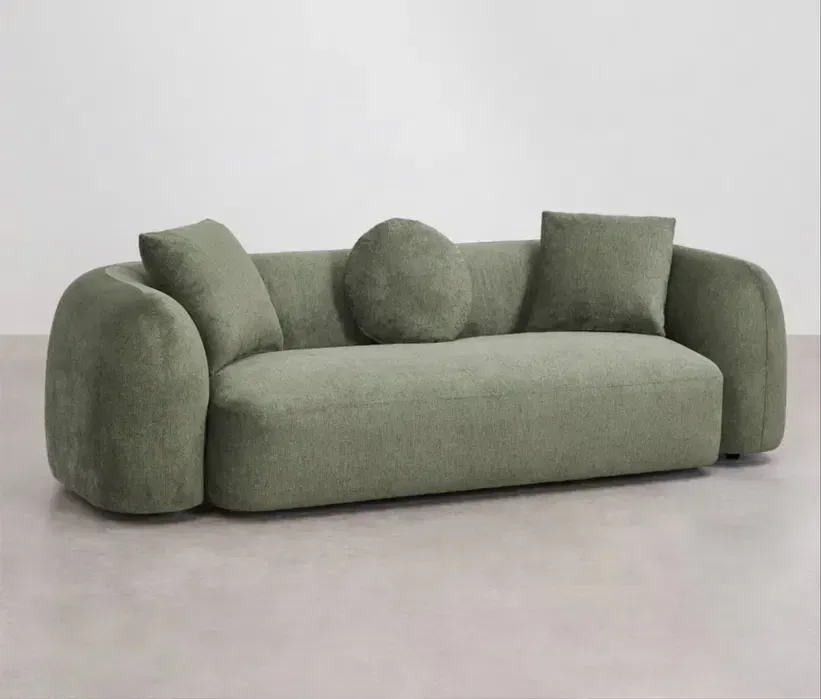
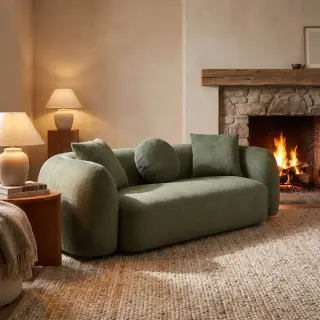
Green bouclé sofa
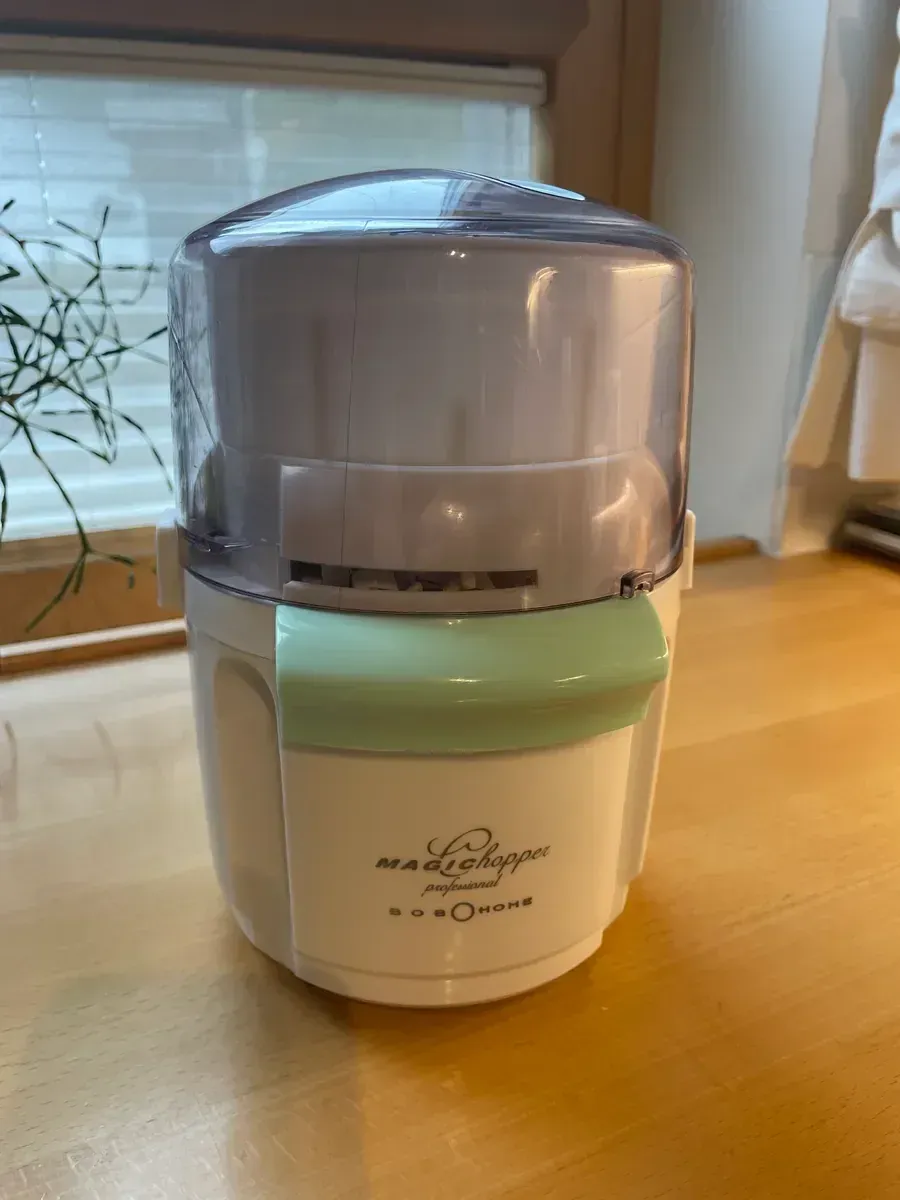
Electric food chopper

32-inch gaming monitor
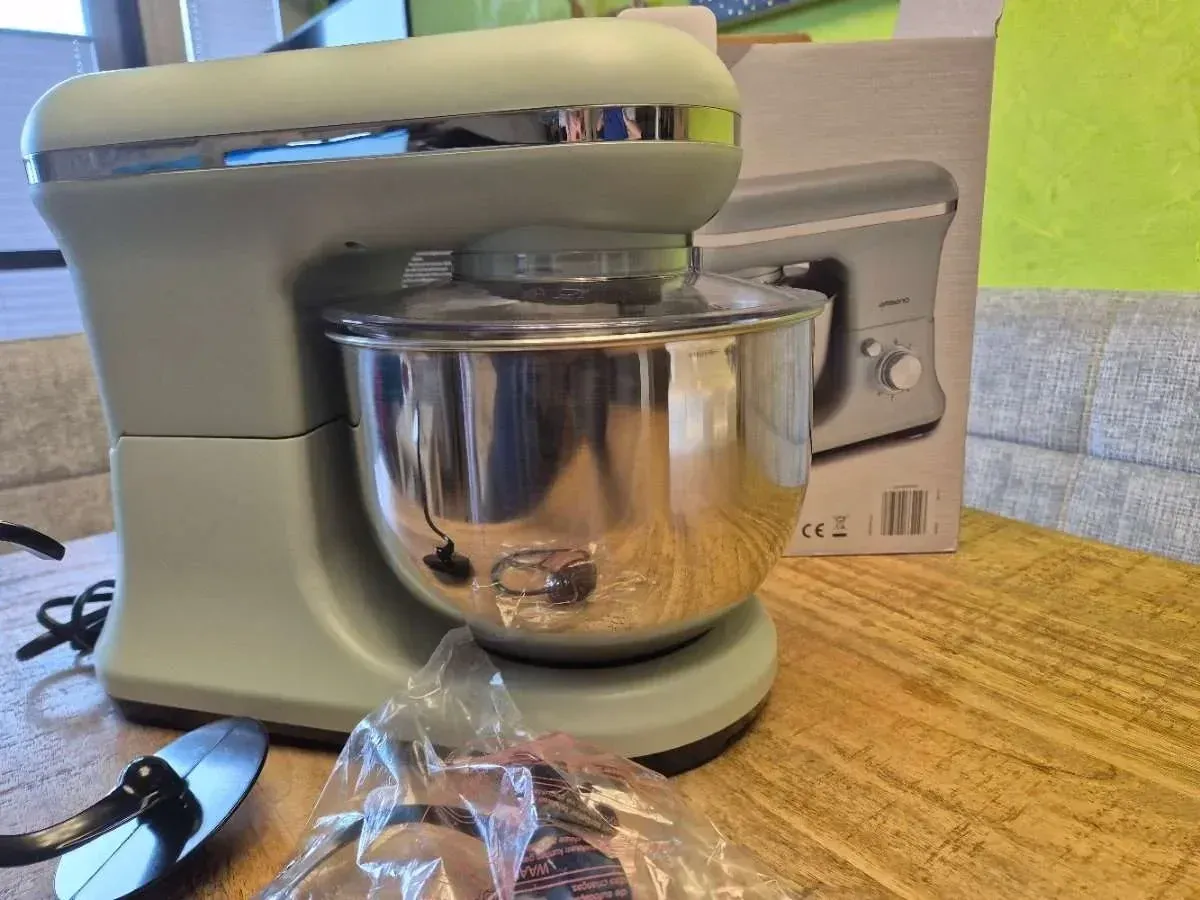
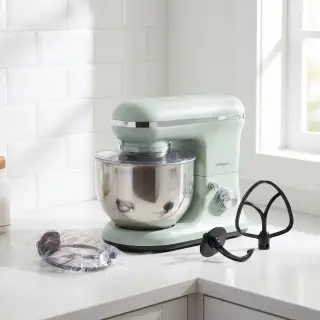
Mint stand mixer

Smartphone with a stylus
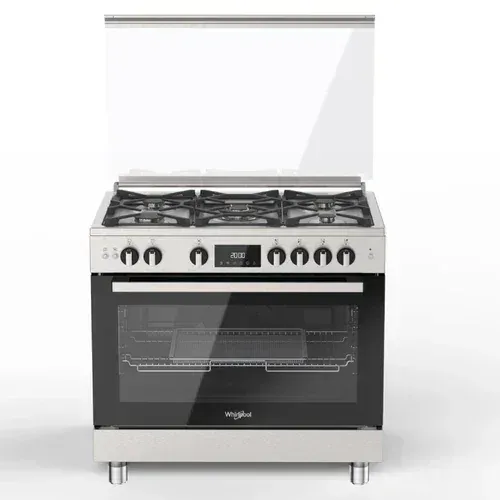
Five-burner gas range



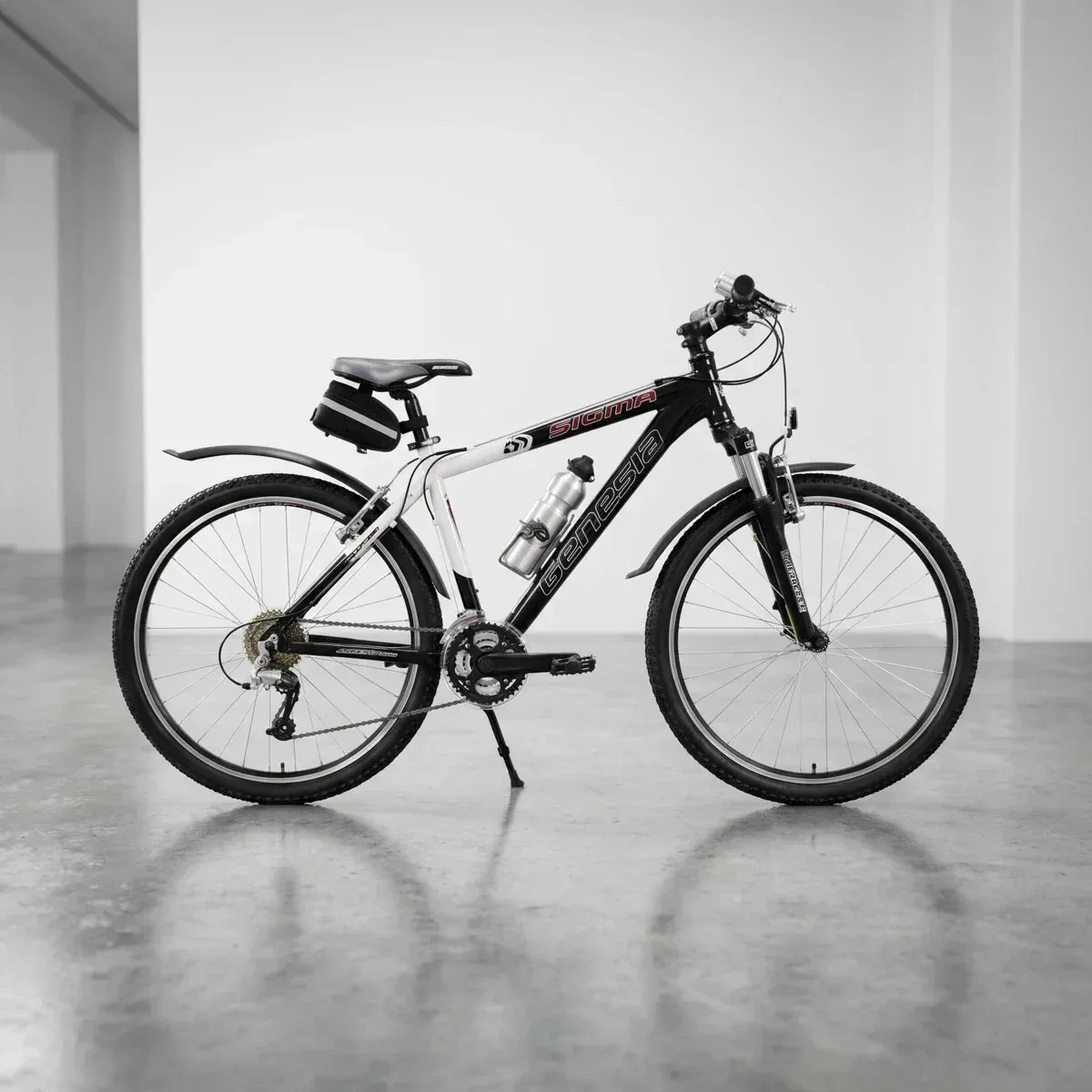
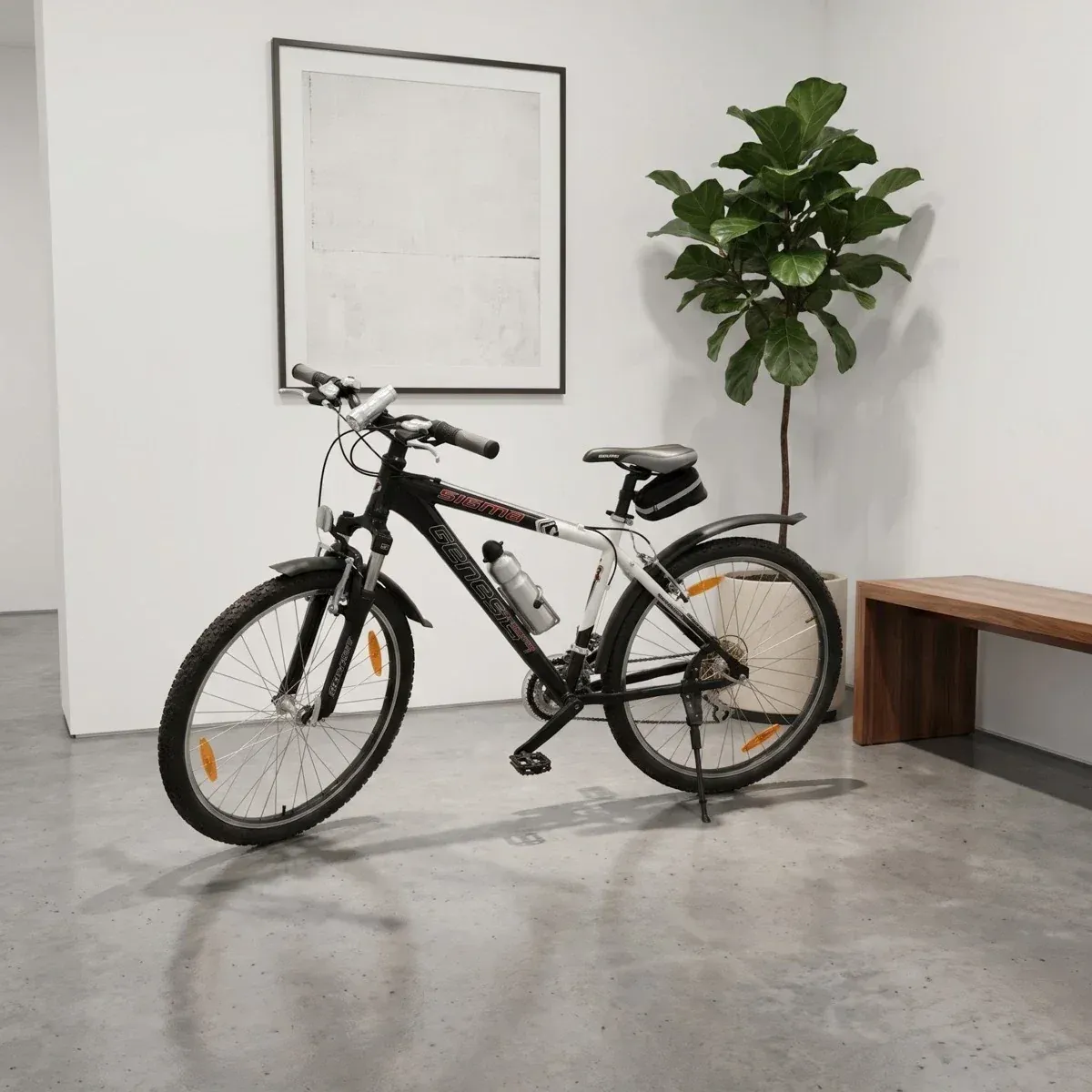
One photo, every finish.
The same phone photo, sent back as each channel wants it: white for the marketplace, a studio shot for the store, a scene for social.



On one image or ten thousand.
Run it on a single photo, a batch or the whole catalogue. Add it to a Flow and it runs on every new product as it syncs in. Nothing publishes until someone approves it.































































Works well with


Questions
Does the product change?
The product stays the product. The scene around it is new. Review every result before it publishes.
Which scenes does it use?
Settings that suit the category: living rooms for furniture, desks for electronics, kitchens for appliances.
Should it replace my white-background image?
No, it sits next to it. Marketplaces want white for the first image and a scene for the ones after.
Try it on your own photos.
Start creating in Studio, or talk to us about your catalogue.