Edit a whole catalogue at once.

Pick the edits once. Tapya runs them on every product photo, writes the listing in Arabic and English, and holds it all for approval. Fifty products or fifty thousand.

  • One setting, every product

    Choose the presets once. Every image gets the same background, size and framing.

  • Photos and listings together

    The same run fixes the photos and writes the listing in Arabic and English.

  • Nothing goes live unseen

    Every result waits in review until someone on your team approves it.

The same look across the catalogue.

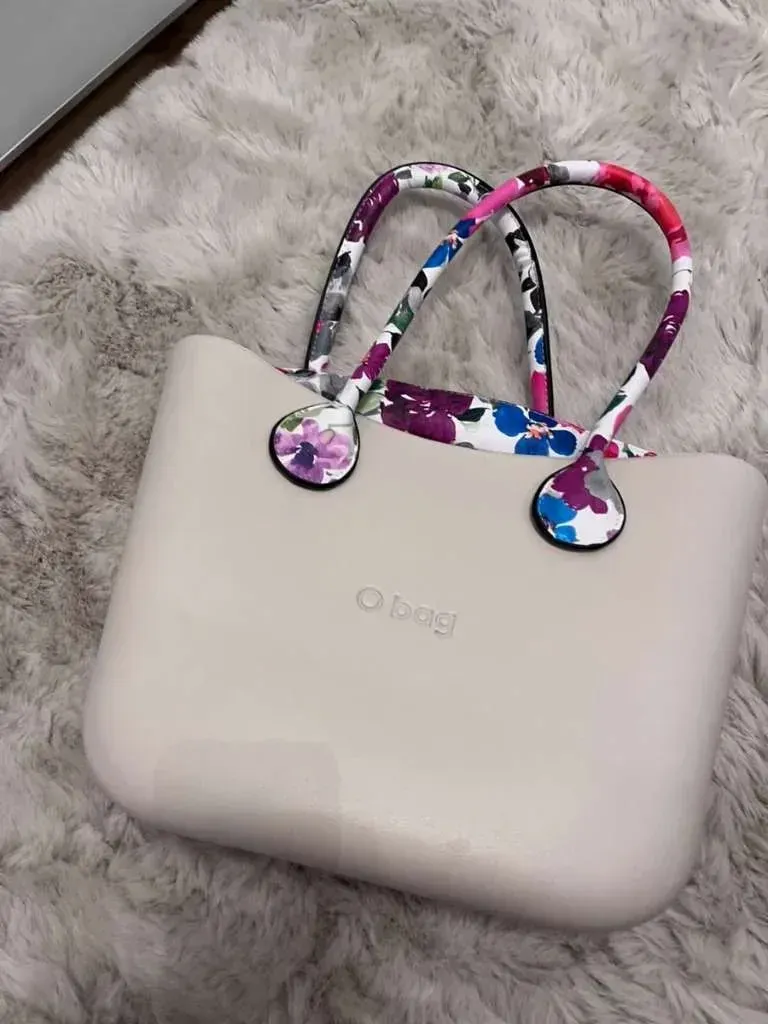
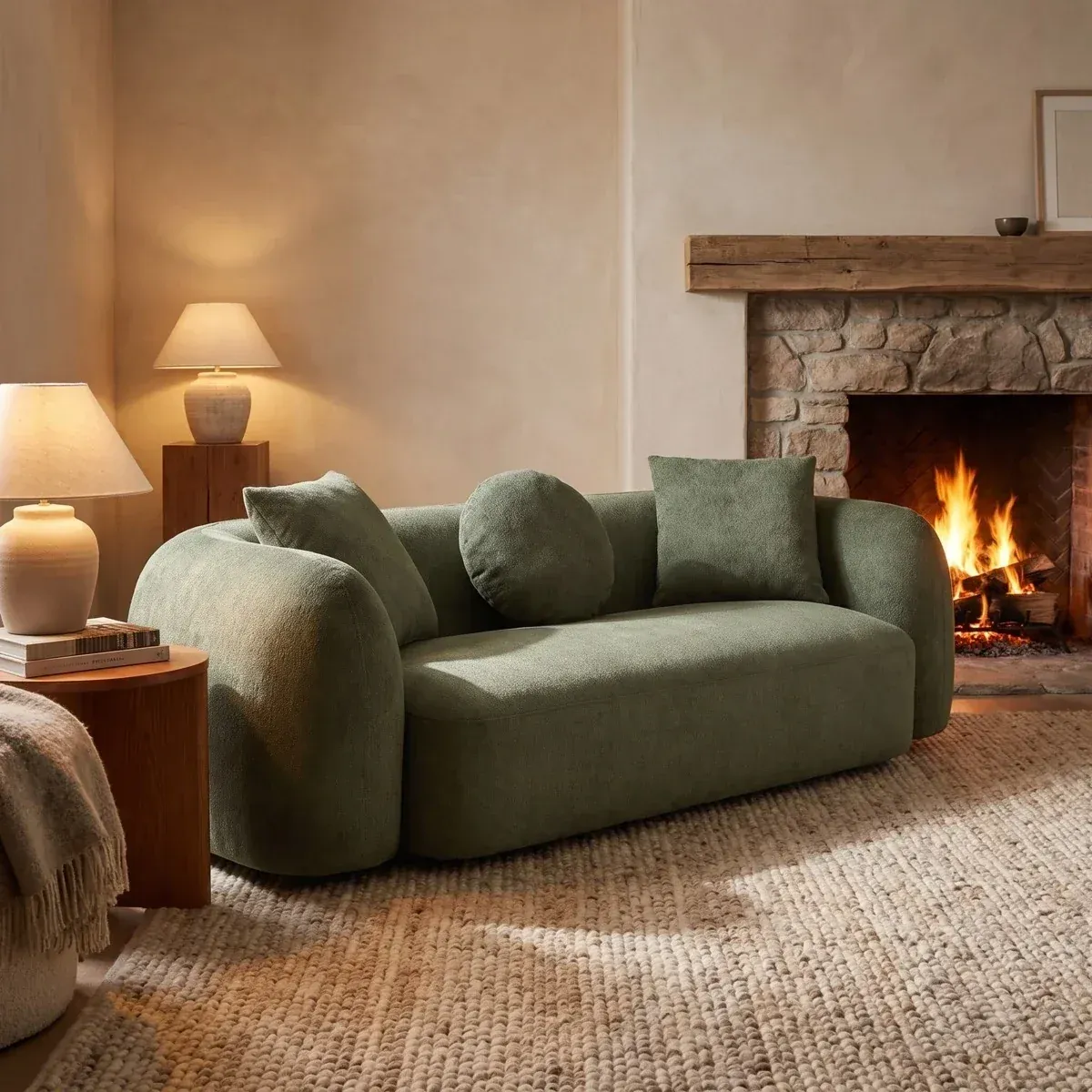
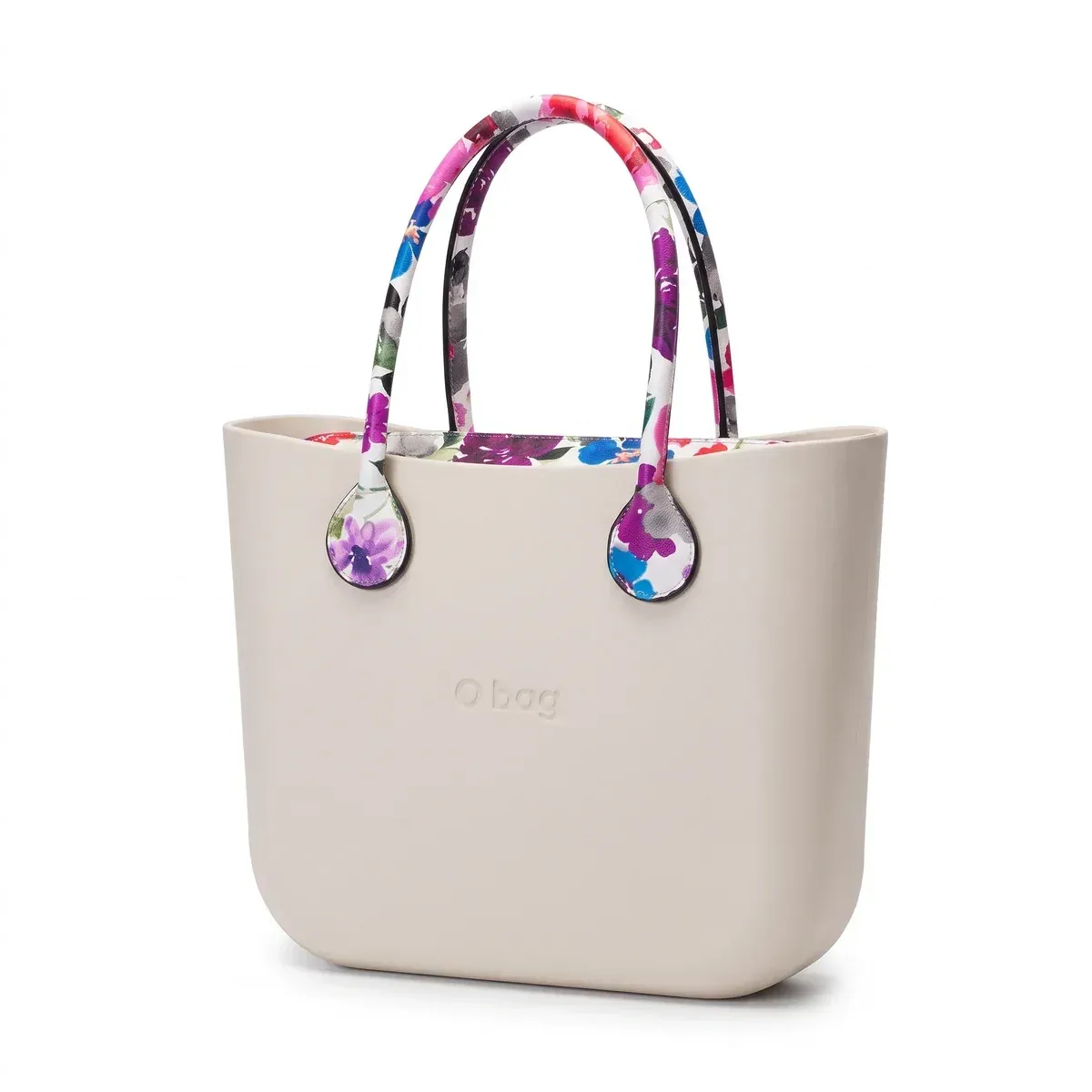
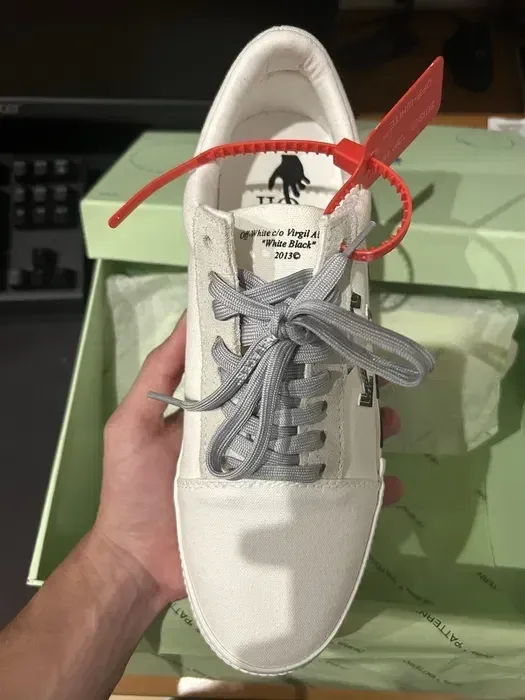
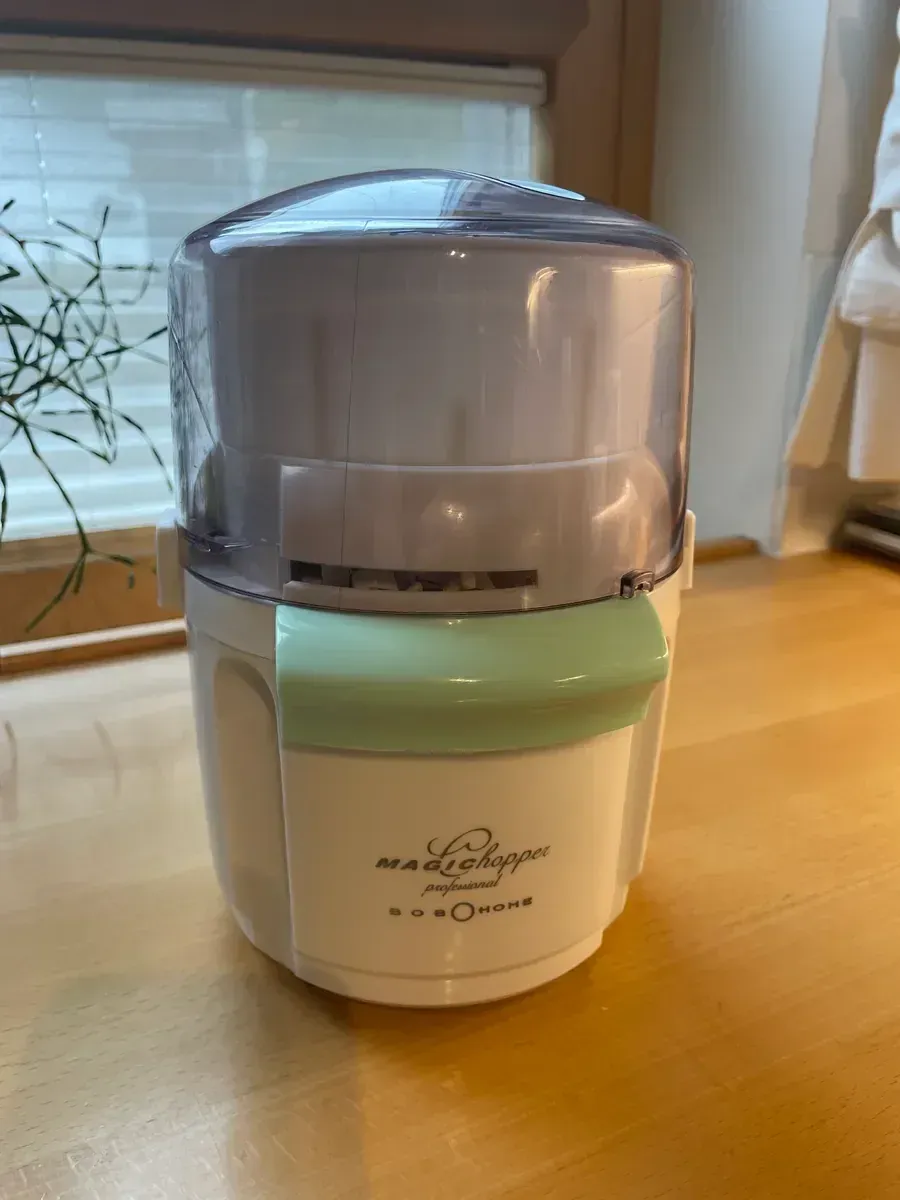
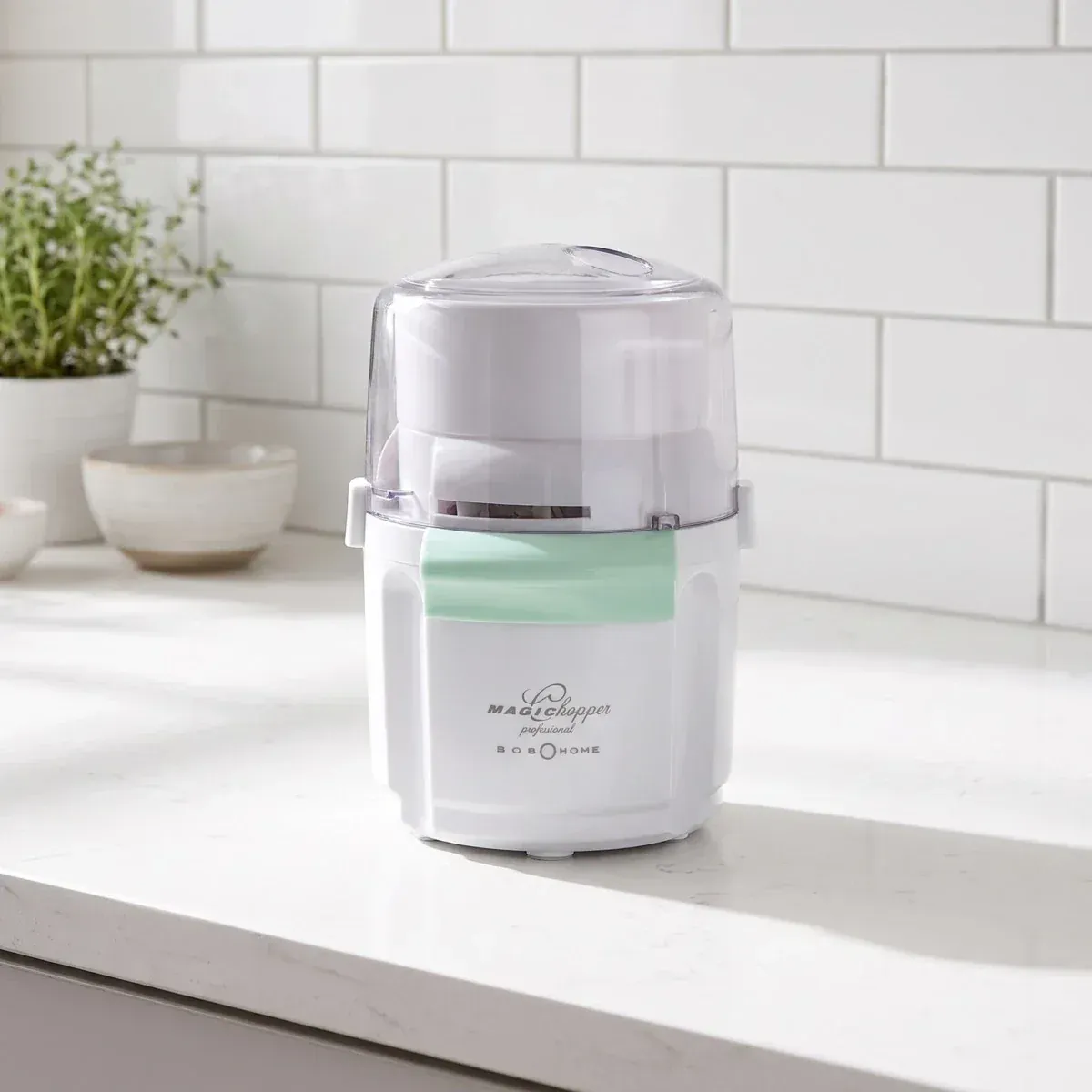
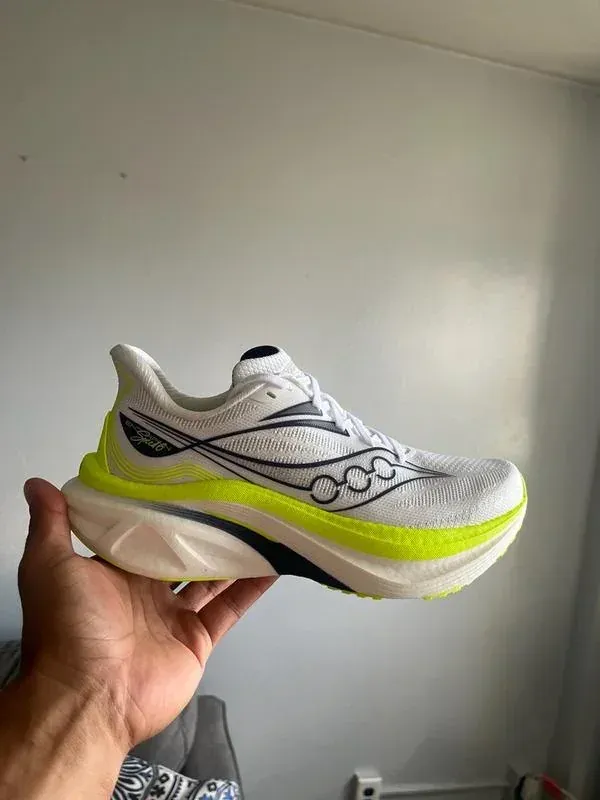
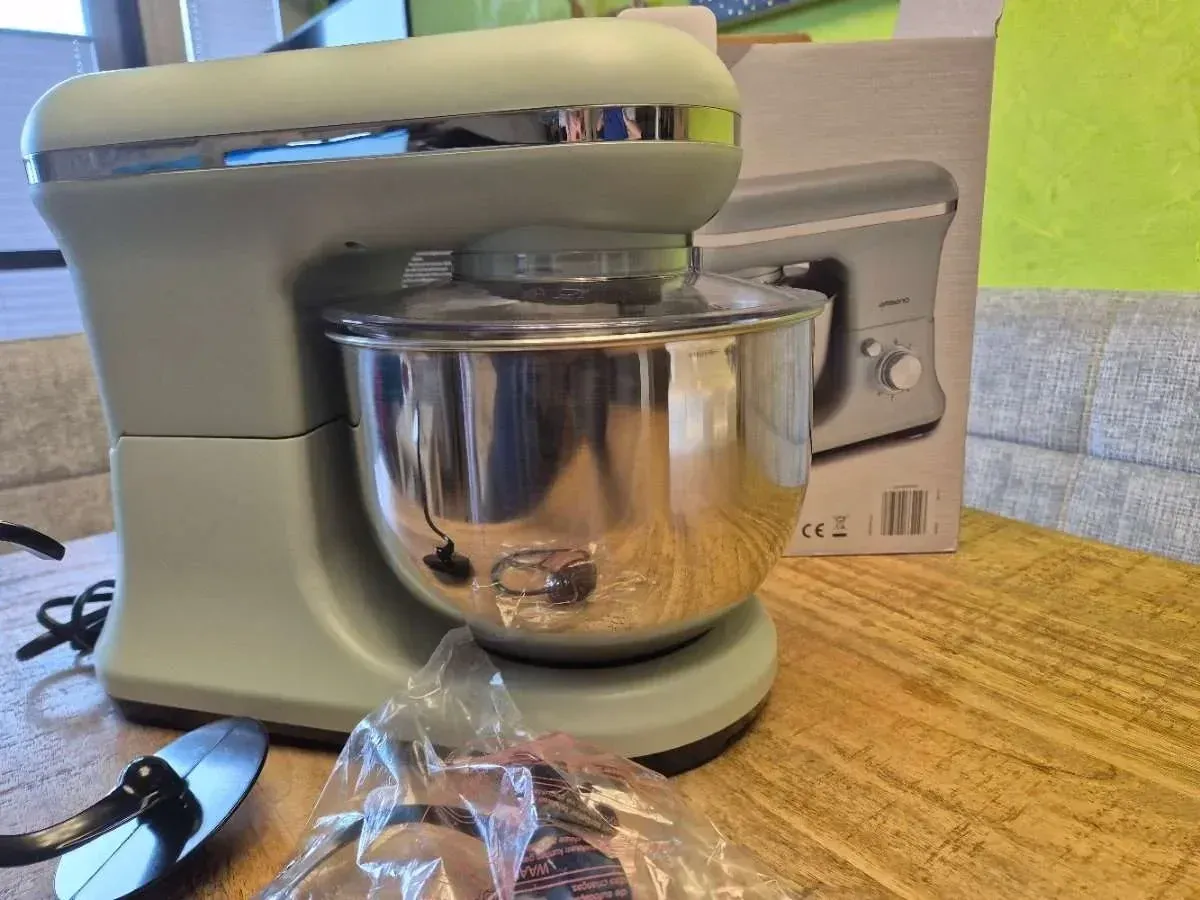
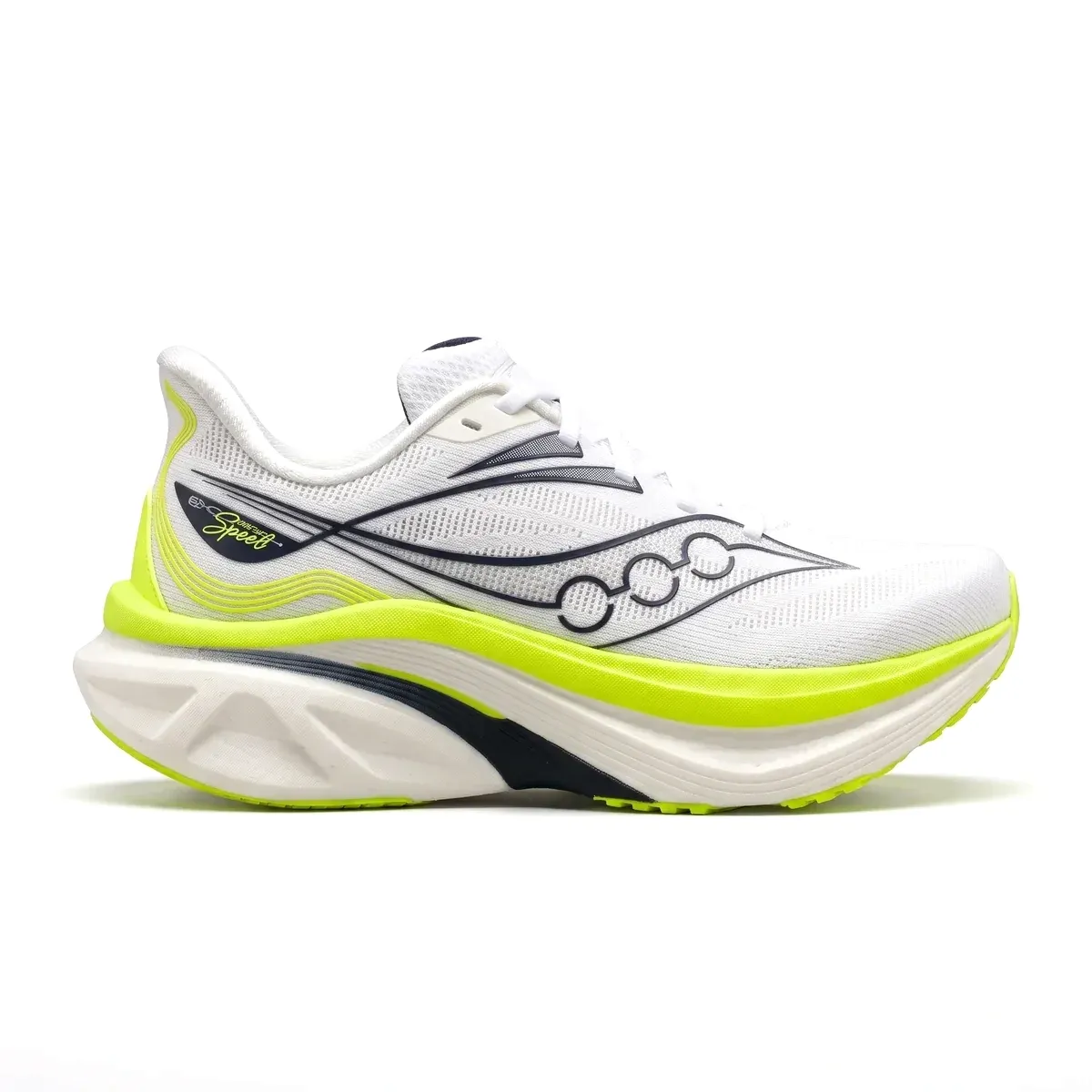
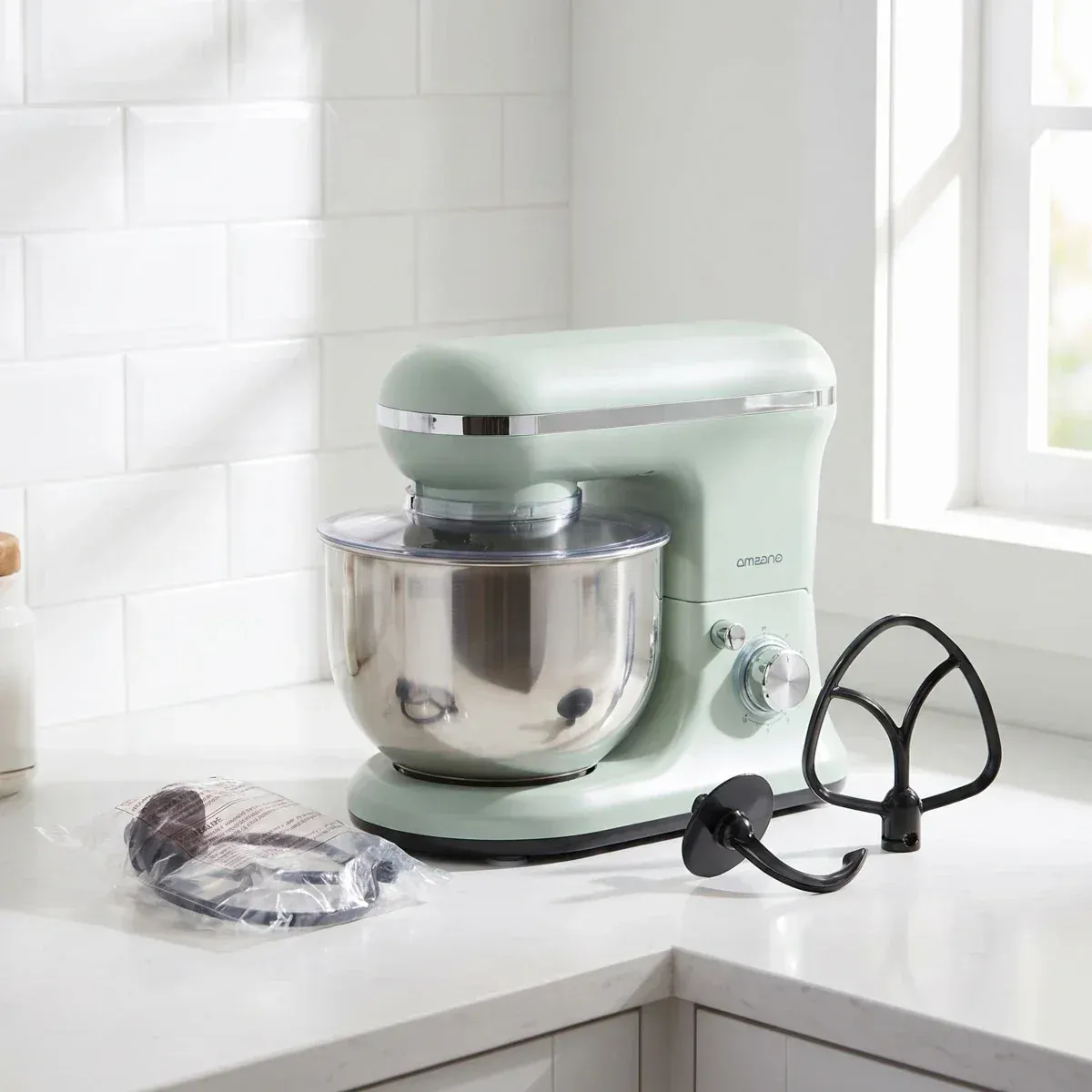
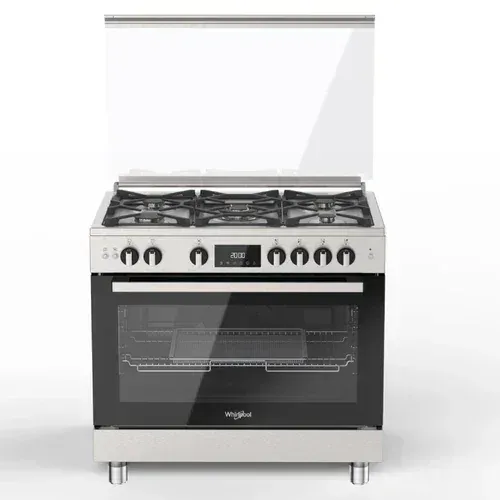
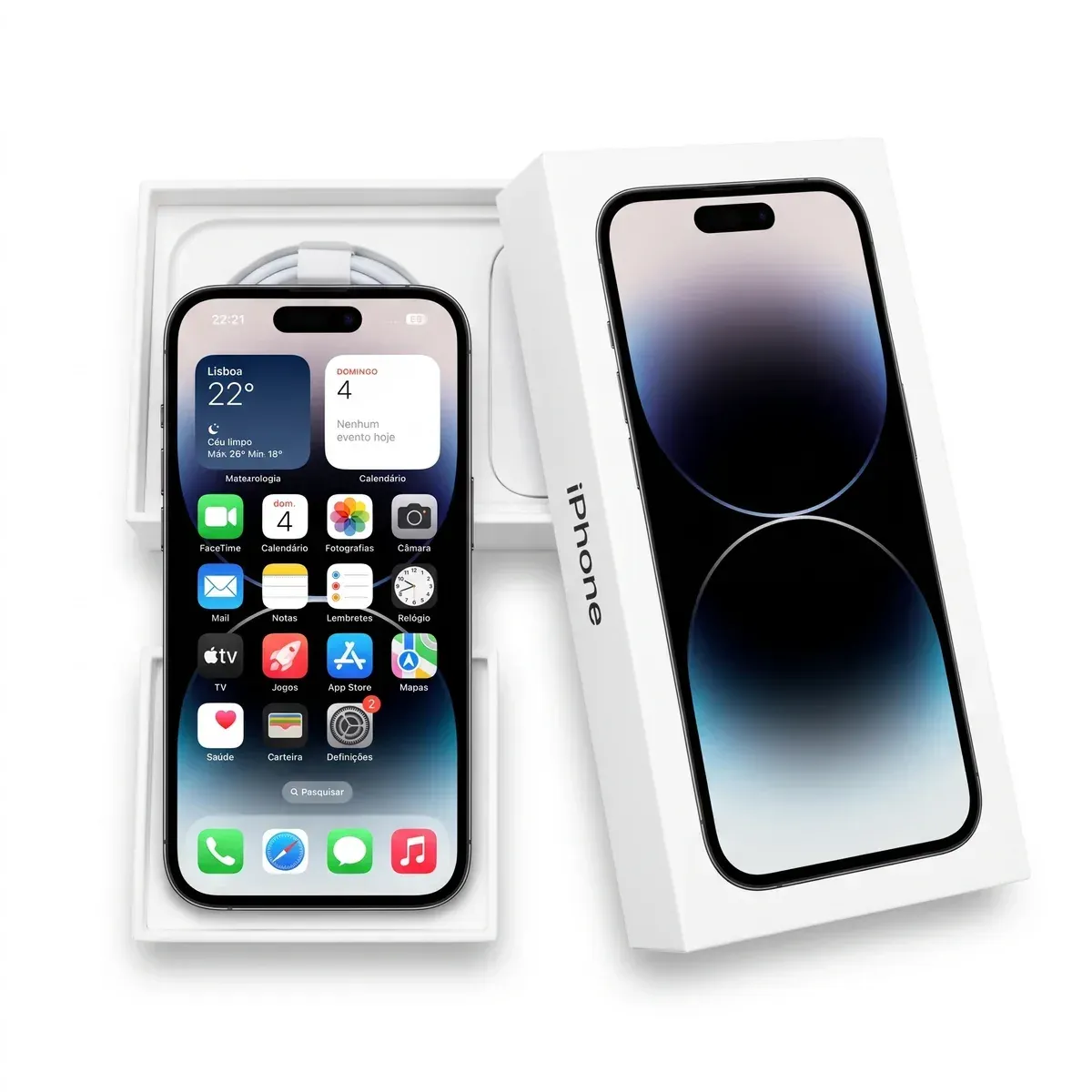
Different suppliers, different phones, different rooms. Bulk resize and white background bring every image to one spec, so the catalogue reads as one store.

White background
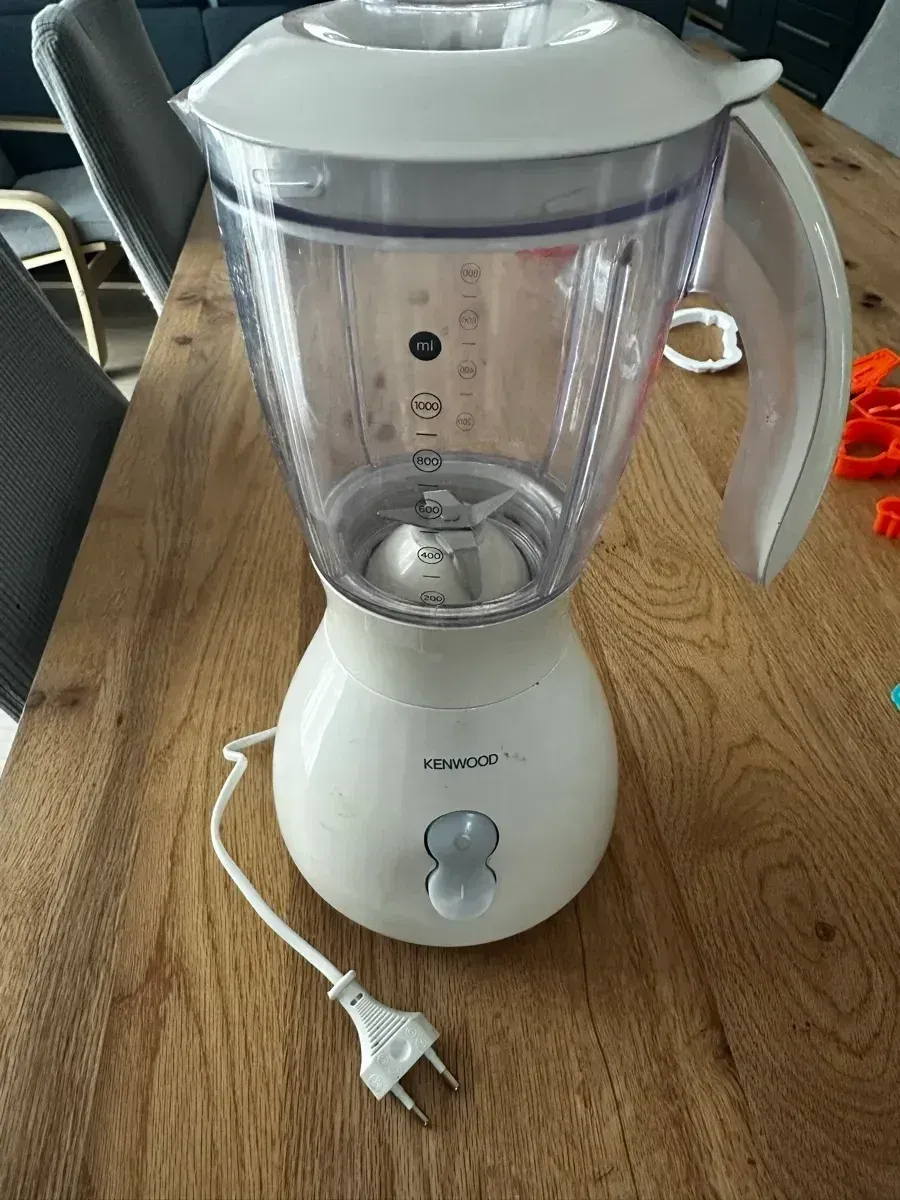
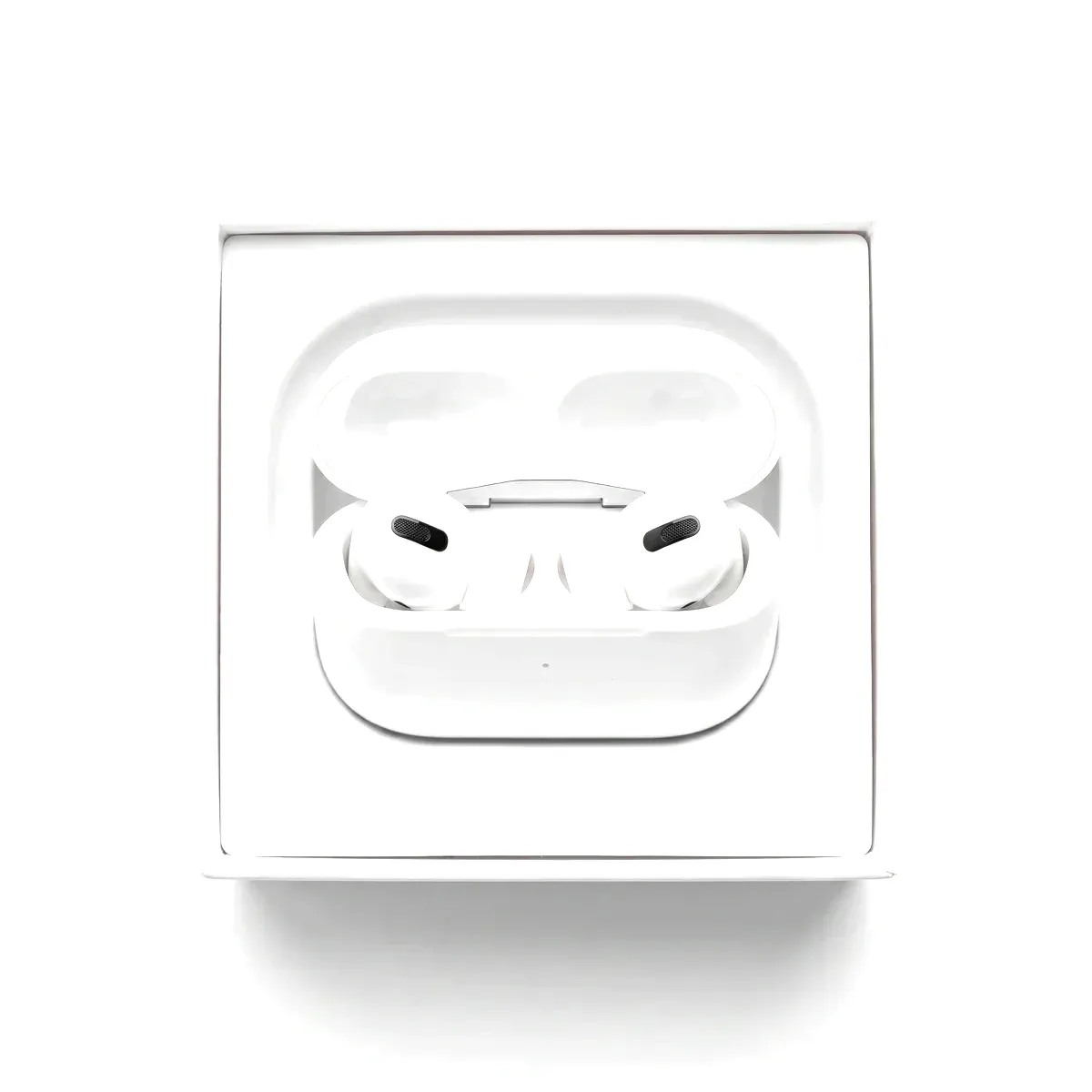
  • Wireless earbuds in their case on a clean white background.
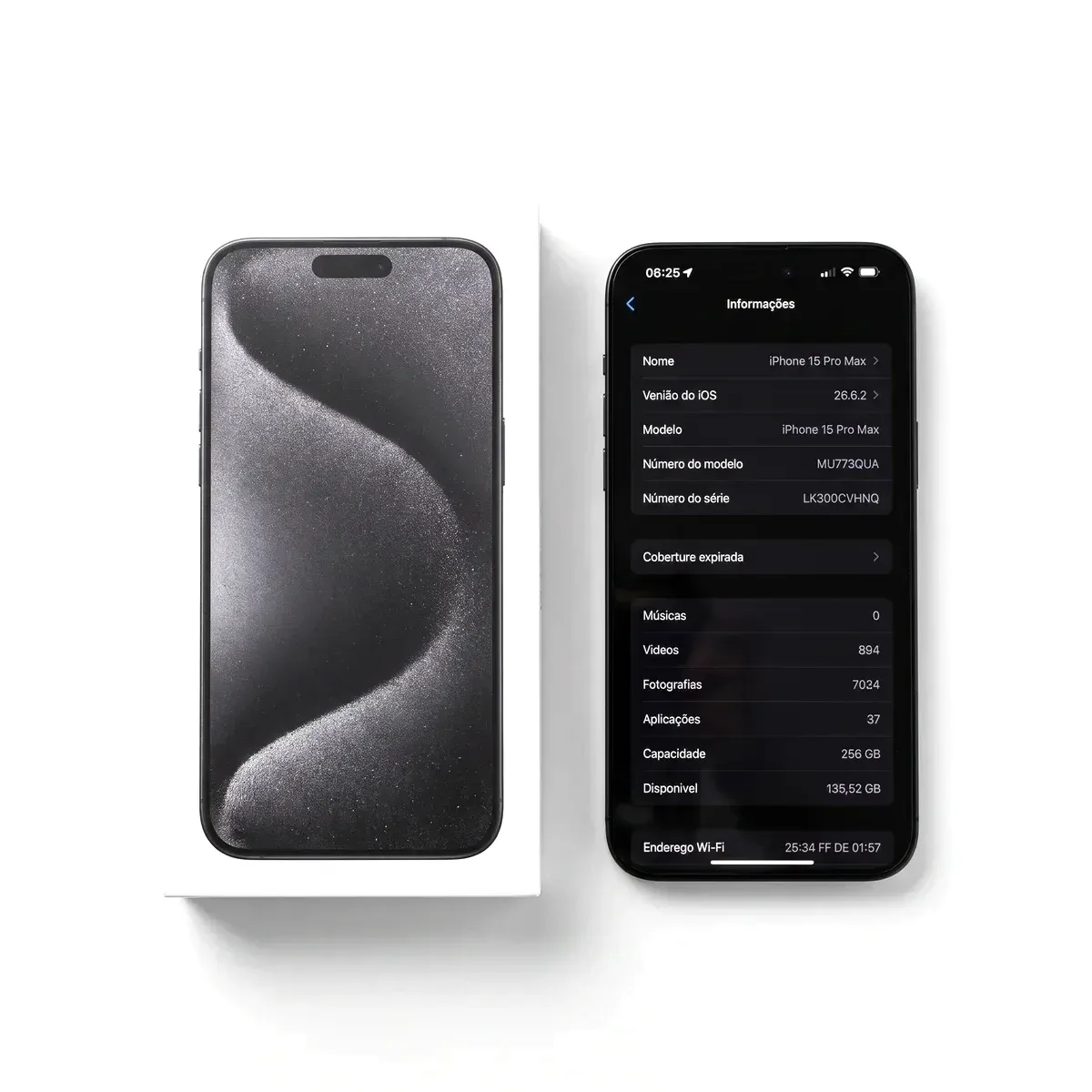
  • A smartphone with its box on a clean white background.
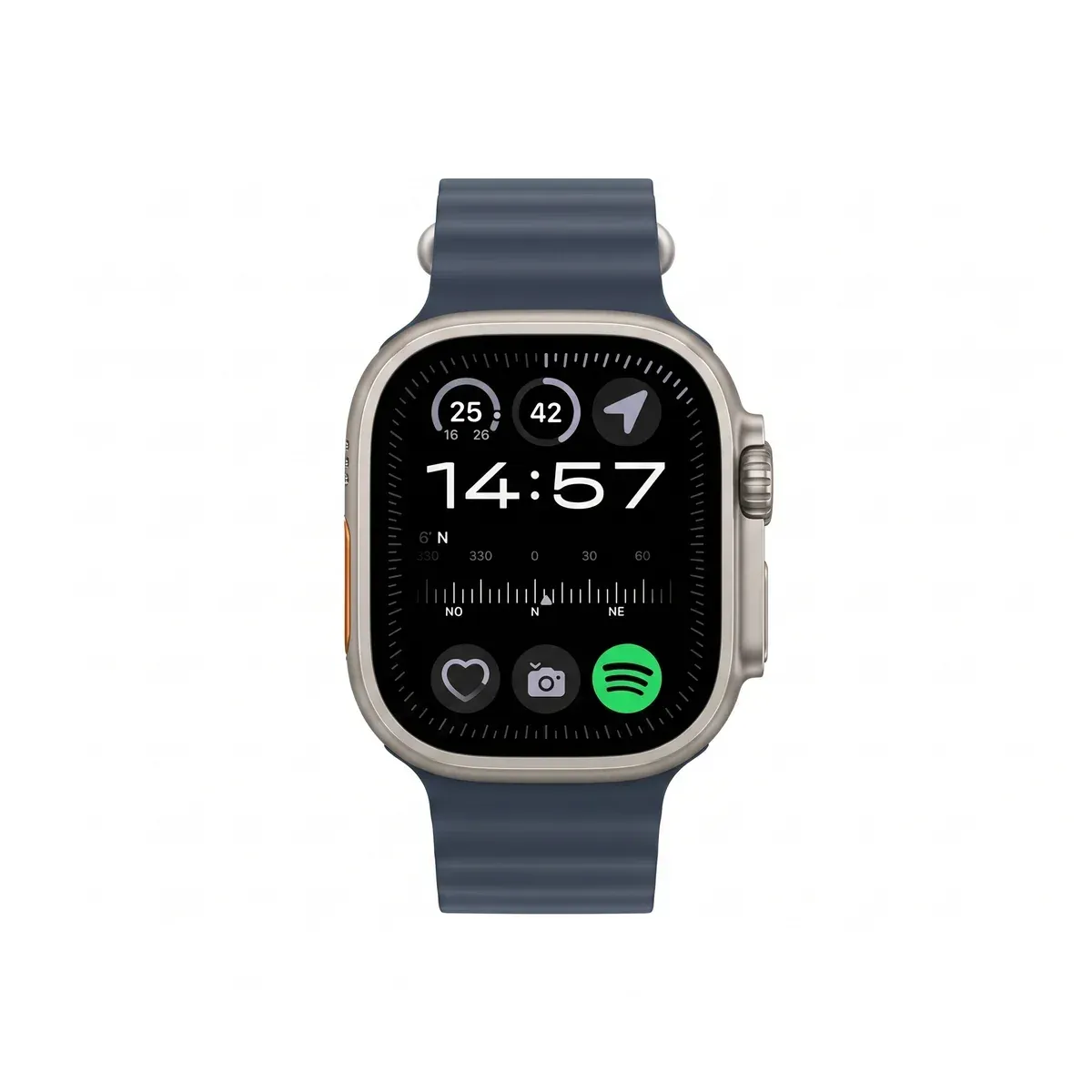
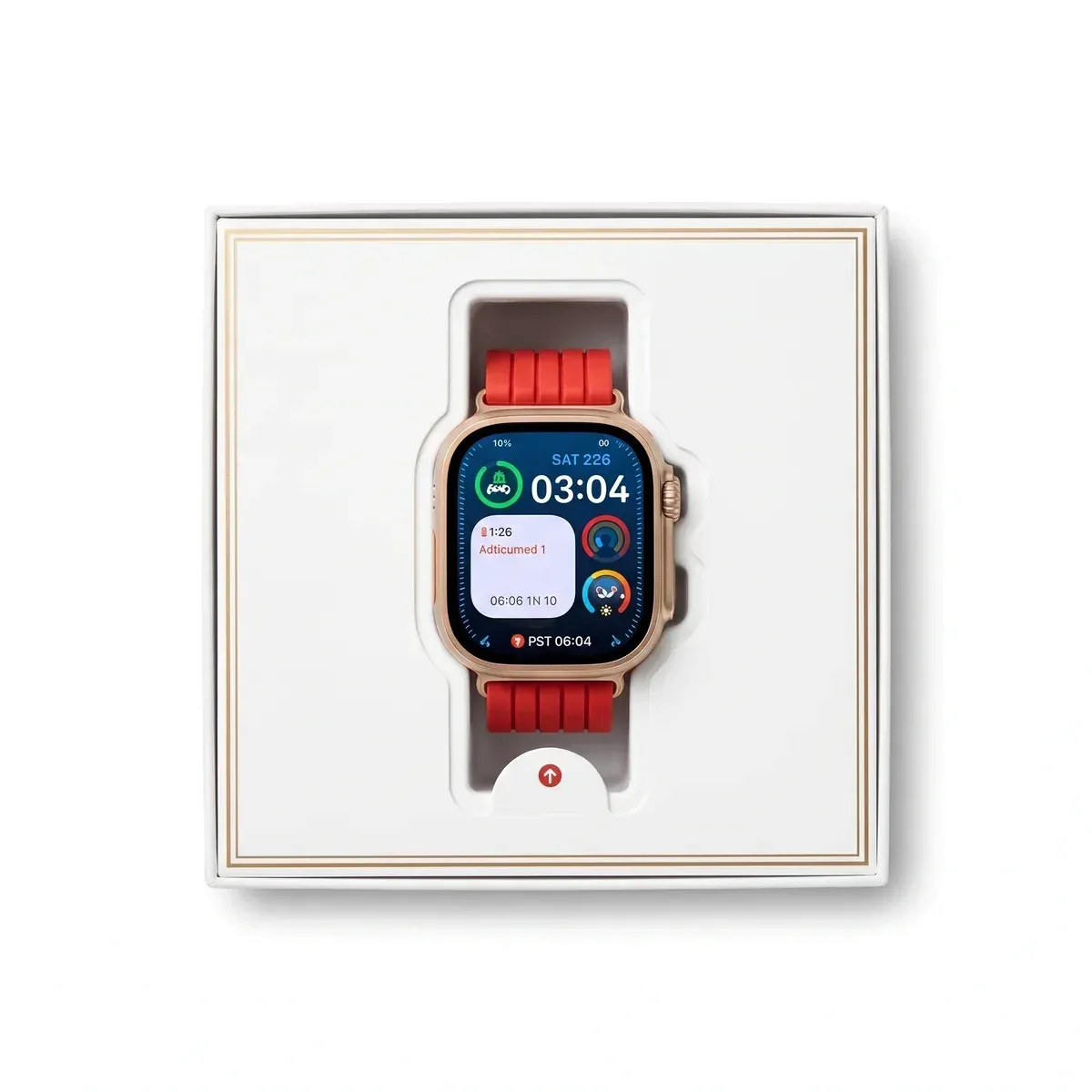
  • A titanium smartwatch with a blue band on a clean white background.
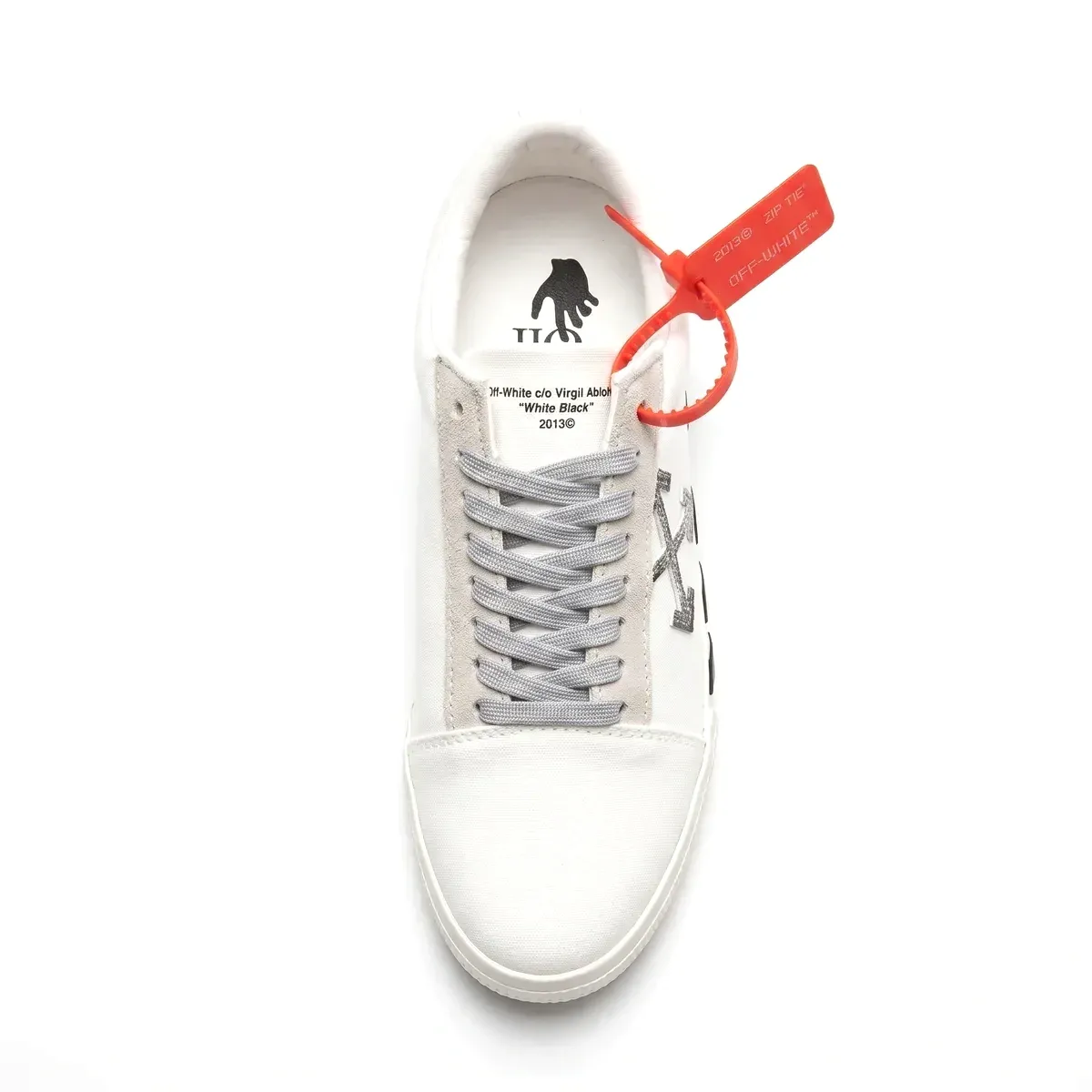
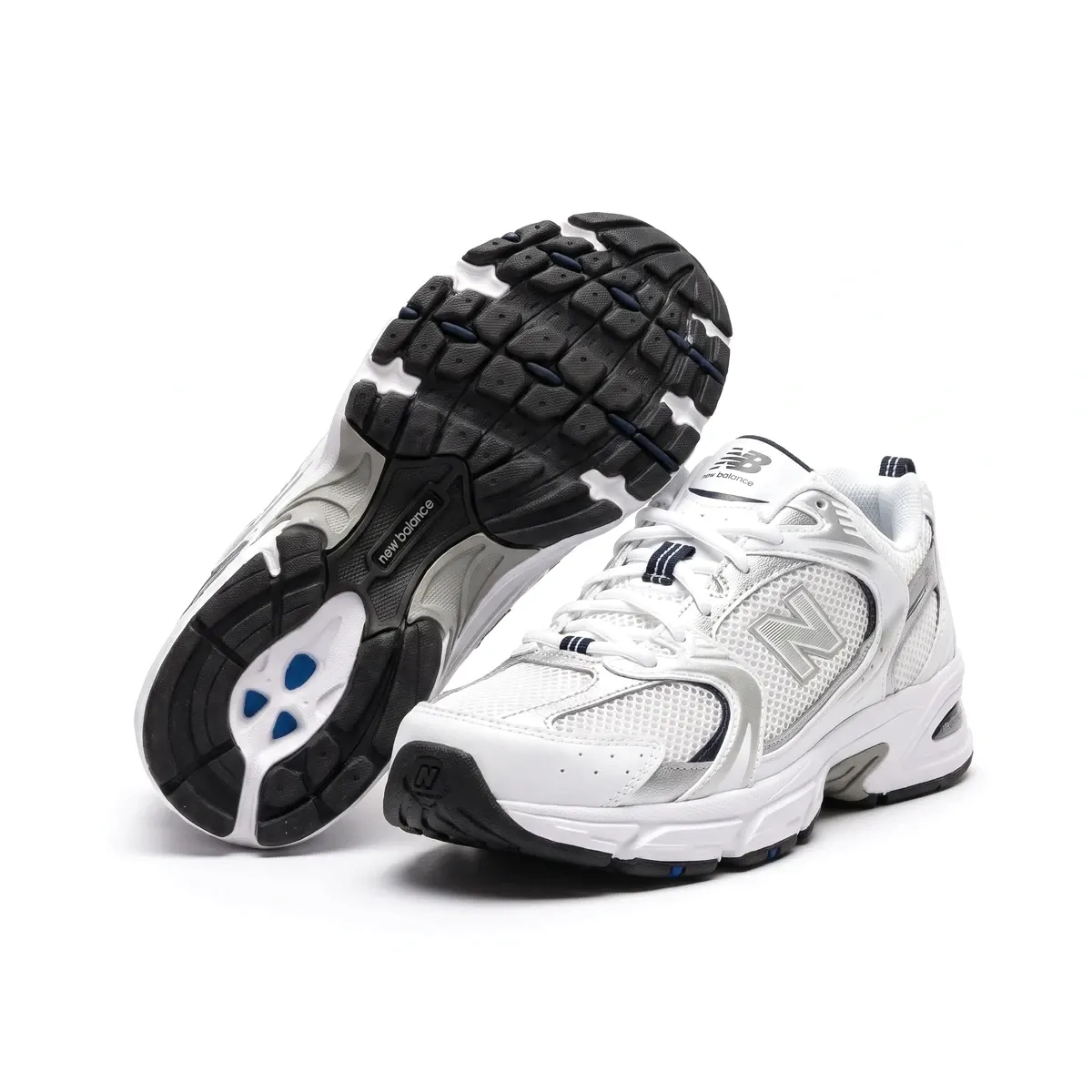
  • Black and white sneakers with their box on a clean white background.
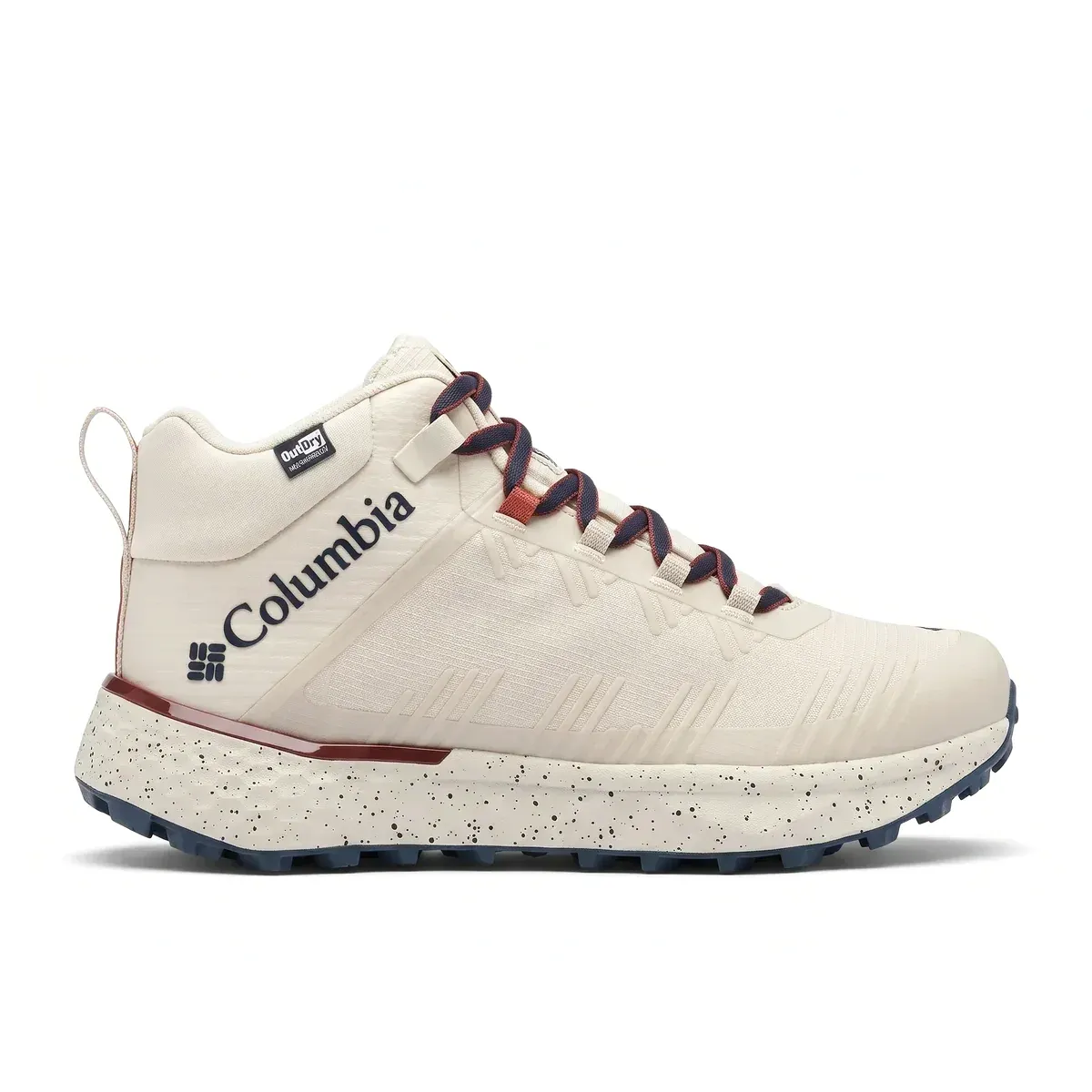
  • A cream hiking shoe on a clean white background.
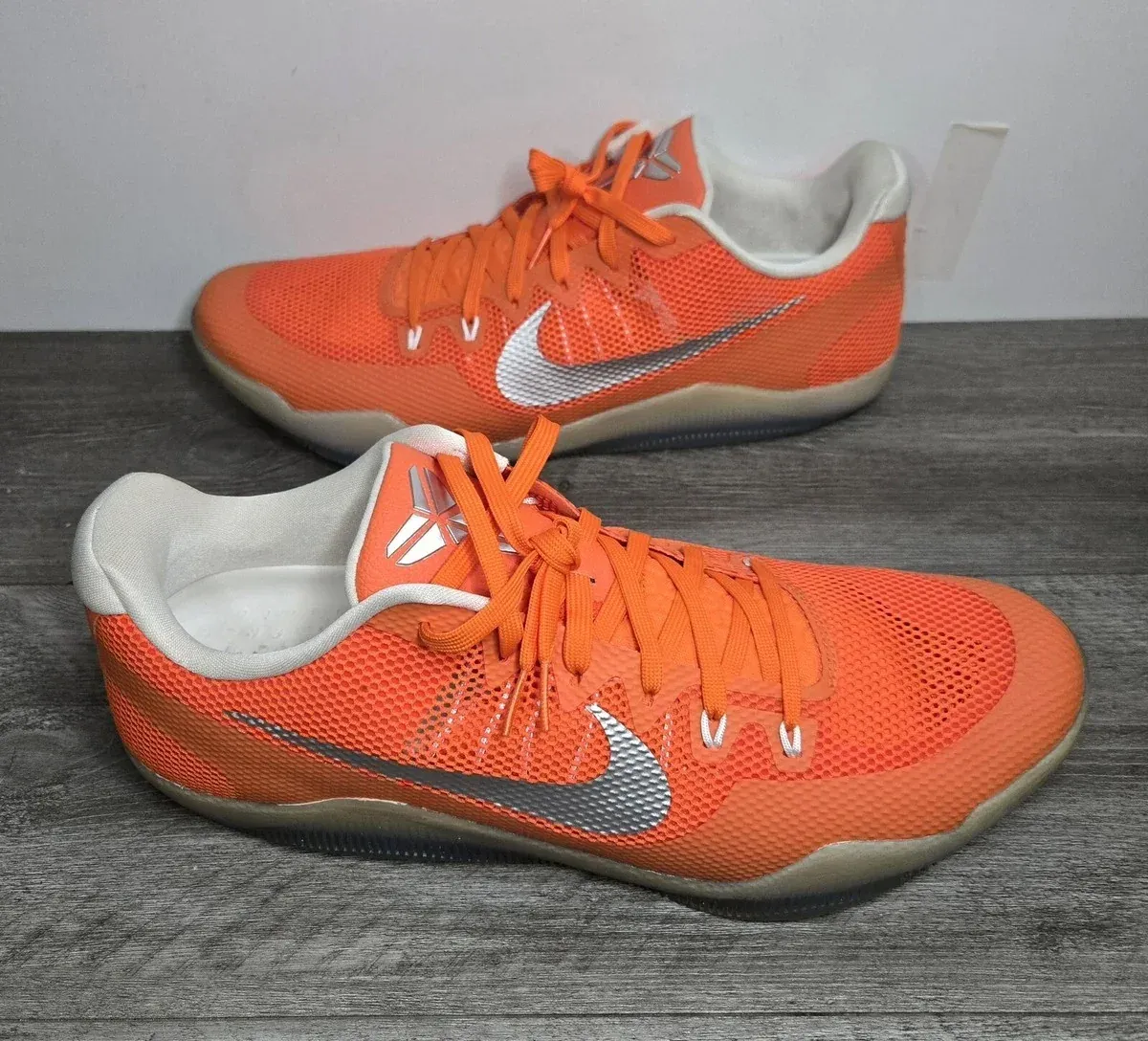
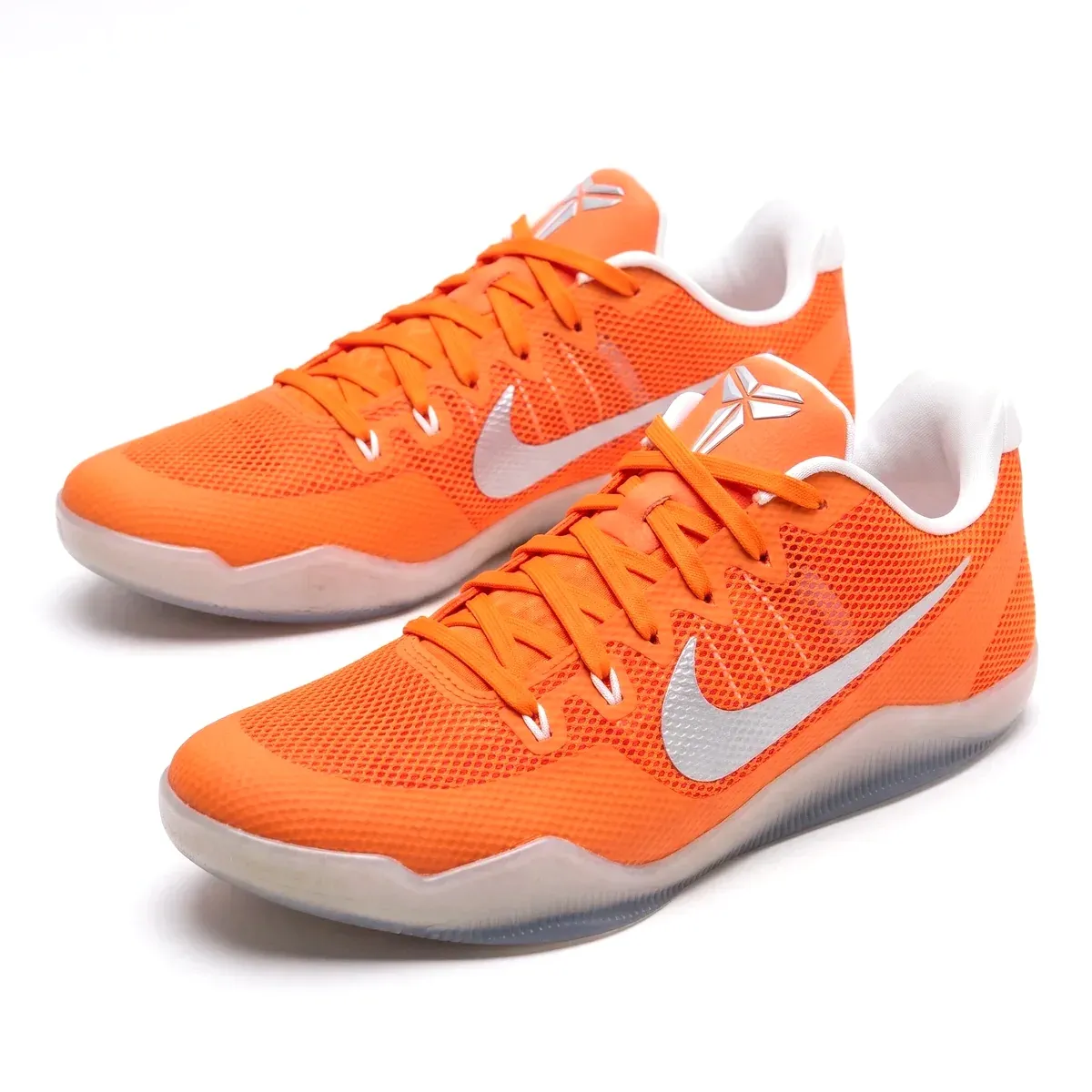
  • A pair of orange basketball shoes on a clean white background.
Spec
  • 1:1
  • 2000 × 2000 px
  • White, 5% margin
  • JPG

Seven presets, in one batch.

Cleanup, upscale, ghost mannequin, staging and photo studio run in the same pass. Pick the ones a category needs and they run on every product in it.

All tools
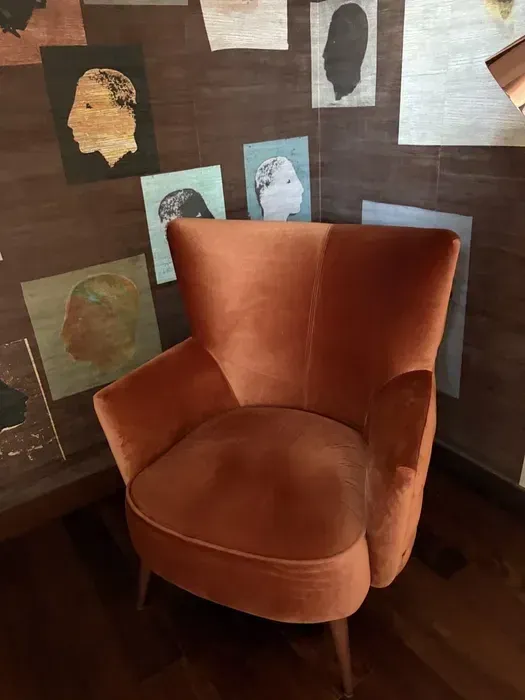
Phone photo of a burnt-orange velvet armchair, as shot.Before
A burnt-orange velvet armchair in a warm living room.After
Burnt-orange velvet armchair
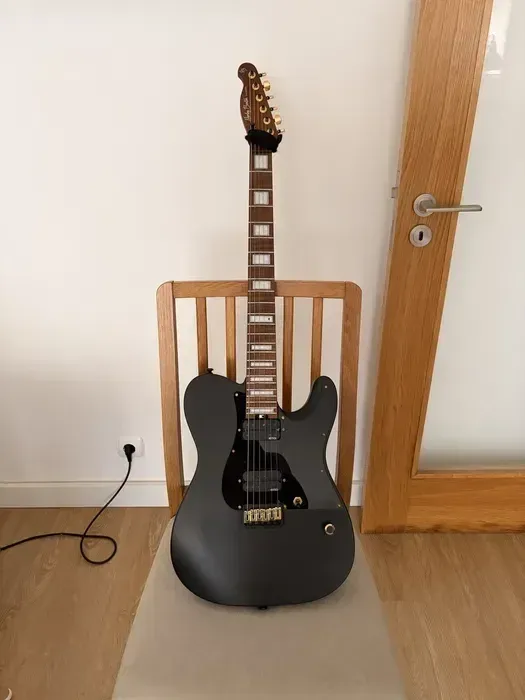
Phone photo of a black electric guitar, as shot.Before
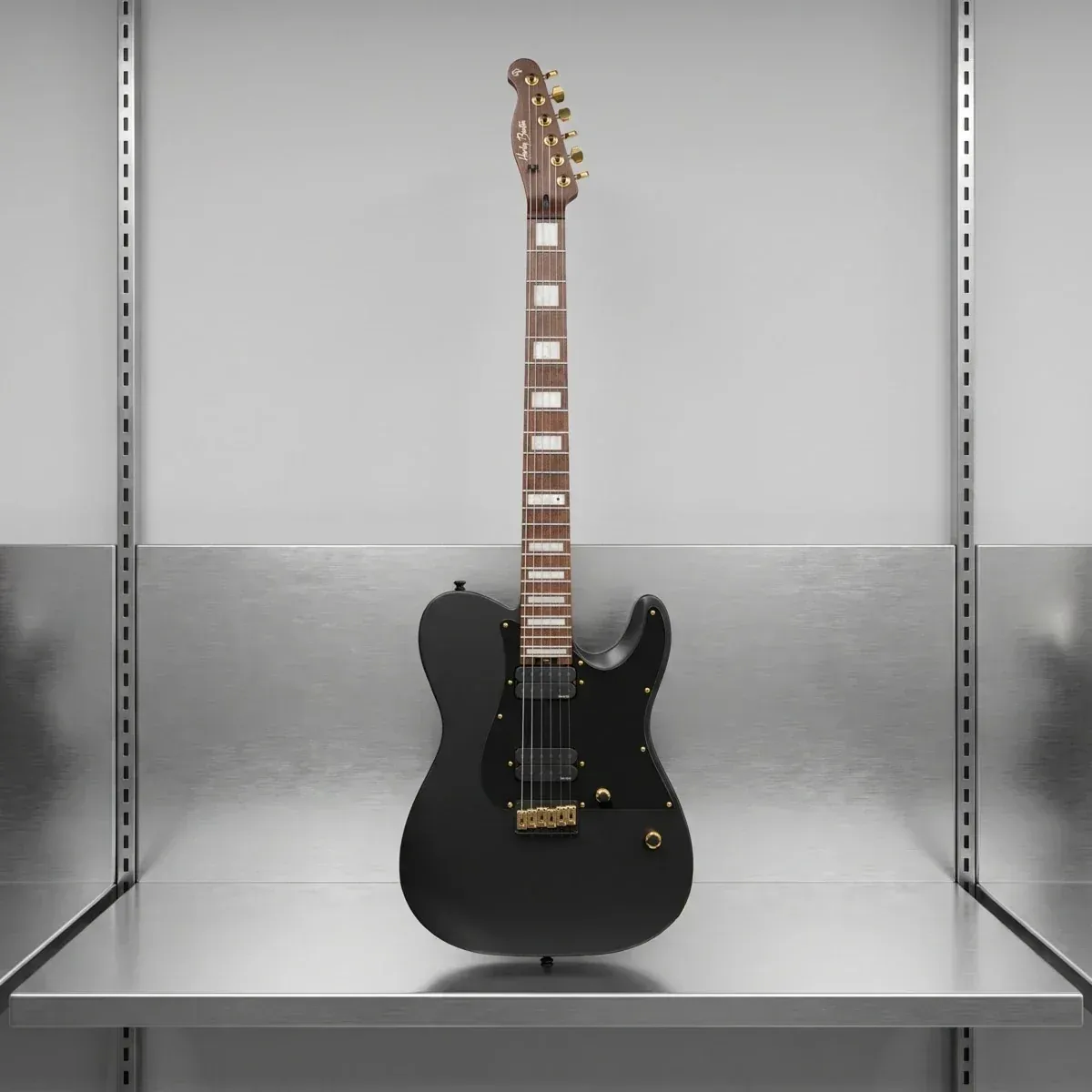
A black electric guitar in a studio shot on a concrete floor.After
Black electric guitar

Say it in a sentence and it runs on every product.

Write the rule the way you would say it: “white background, marketplace size, Arabic and English title, review before publish.” Flows turns it into steps and runs it on every new product.

See Flows
  1. Trigger
  2. Filter
  3. Preset
  4. Content
  5. Review
  6. Publish
Every flow is built from the same six kinds of step.

Arabic and English, in the same run.

Titles, bullets, descriptions and SEO fields are written in both languages while the photos are fixed. Your own copy can be improved instead of replaced.

Arabic and English listings
A burnt-orange velvet armchair in a warm living room.
English

Title

Velvet wingback armchair in burnt orange

Description

A compact wingback armchair in soft burnt-orange velvet, with flared arms, a deep cushioned seat and tapered dark wood legs. Made for a living room corner, a bedroom or a reading nook.

SEO tags

velvet armchair, wingback chair, accent chair, burnt orange

العربية

Title

كرسي مخملي بظهر مجنّح بلون برتقالي محروق

Description

كرسي بظهر مجنّح مكسوّ بمخمل ناعم بلون برتقالي محروق، بذراعين منحنيتين ومقعد عميق مريح وأرجل خشبية مائلة بلون داكن. يناسب زاوية غرفة المعيشة أو غرفة النوم أو ركن القراءة.

SEO tags

كرسي مخملي، كرسي بظهر مجنح، كرسي جانبي، برتقالي محروق
Approve, then publish.

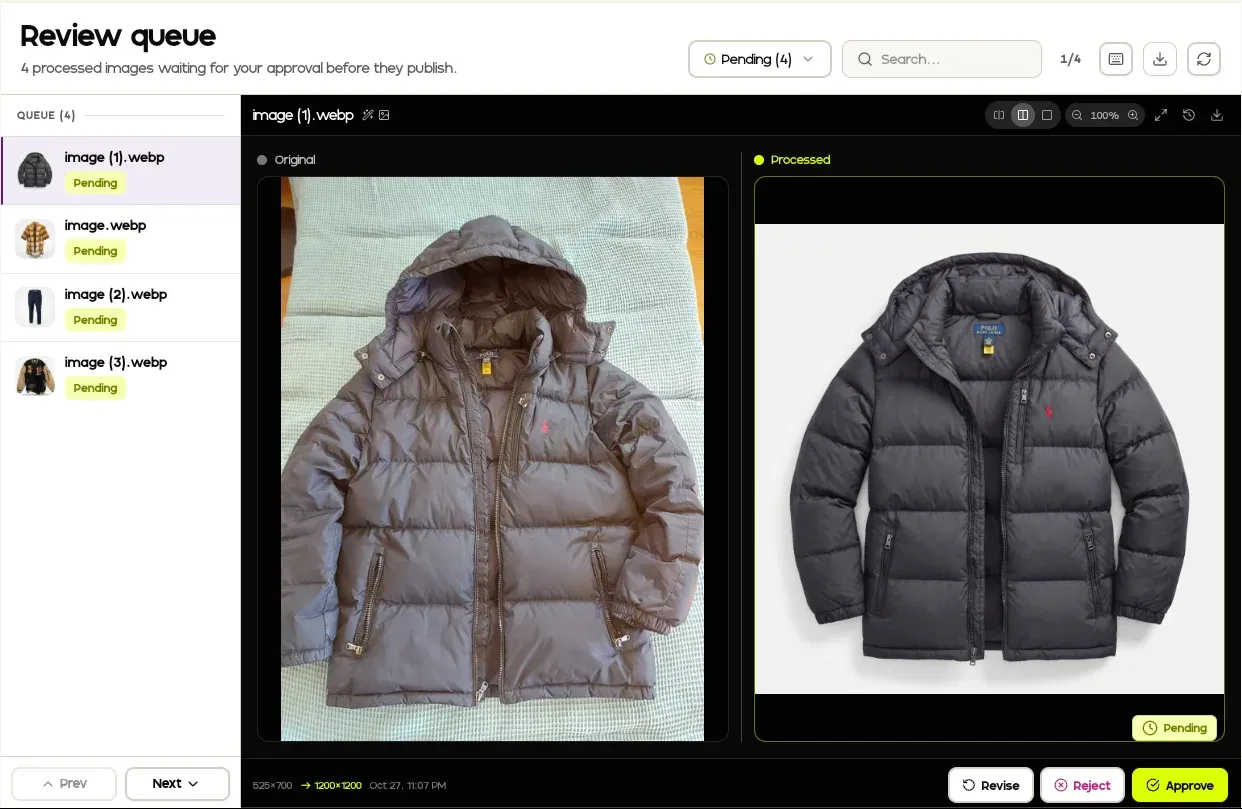
Results land in a review queue. Approve, revise or reject each one, then publish to Shopify or export to sell anywhere.

See Studio
Studio review queue: a phone photo of a puffer jacket beside the processed image, with Approve, Revise and Reject.

How it works

  1. 1

    Bring products in

    Connect Shopify and your catalogue syncs in, or upload photos and a spreadsheet.

  2. 2

    Set the edits

    Pick presets for each category, or write a Flow in plain words.

  3. 3

    Approve and publish

    Check the results in review, then publish to Shopify or export.

Tools that run in bulk

Questions

Do I have to edit each photo?

No. Set the edits once per run or per category and Tapya applies them to every image.

What if a result is wrong?

Send it back for revision or reject it in the review queue. Nothing publishes until someone approves it.

Can new products be edited automatically?

Yes. A Flow runs on every new product as it syncs in from your store.

Where do the finished images go?

Publish to Shopify, or export the images and listings and publish anywhere.

Run your catalogue through Tapya.

Start creating in Studio, or talk to us about a bulk run.

Tapya's lynx standing on the glowing Tapya mark.